AI Wedding Photo Generator
Free AI wedding photo generator from two photos
Create realistic AI wedding photos from two clear portraits. Choose a ceremony, Indian wedding, pre-wedding, bouquet, boat, staircase, or golden-hour style, upload one photo for each person, and turn separate solo images into a coordinated wedding portrait. Start free when you want to explore a wedding look, make a romantic keepsake, or test an AI pre wedding photo generator before planning a larger shoot.
Free trial availableTwo portraits to wedding photosCeremony and pre-wedding styles
Wedding styles from two photos
Pick a template first so the generator knows whether you want ceremony, pre-wedding, formal portrait, or romantic keepsake styling.
Wedding templates
Choose a wedding style
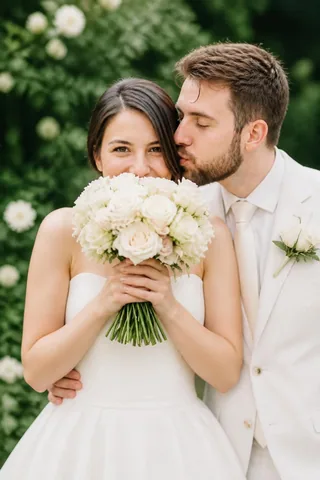
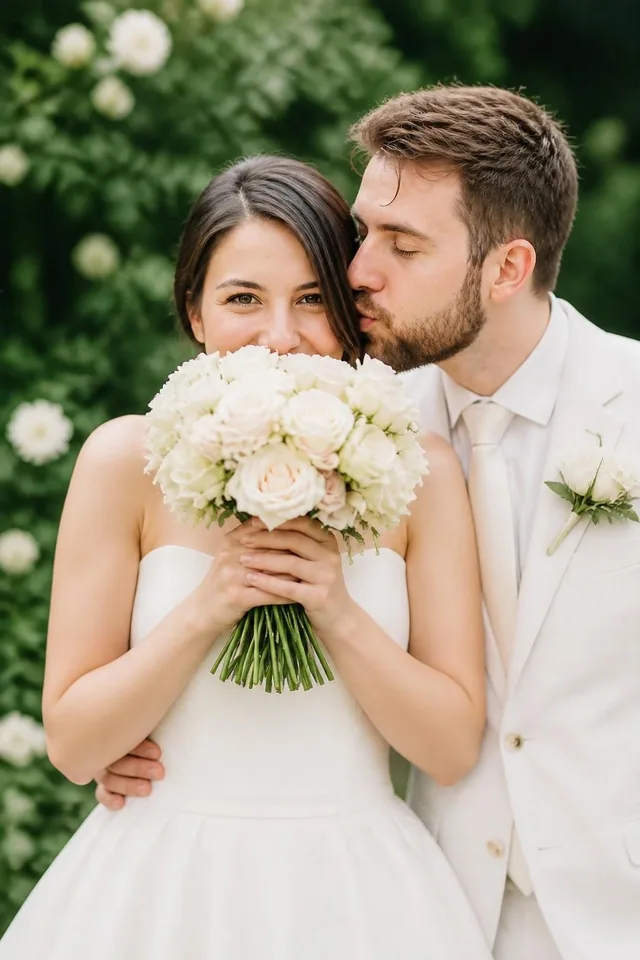
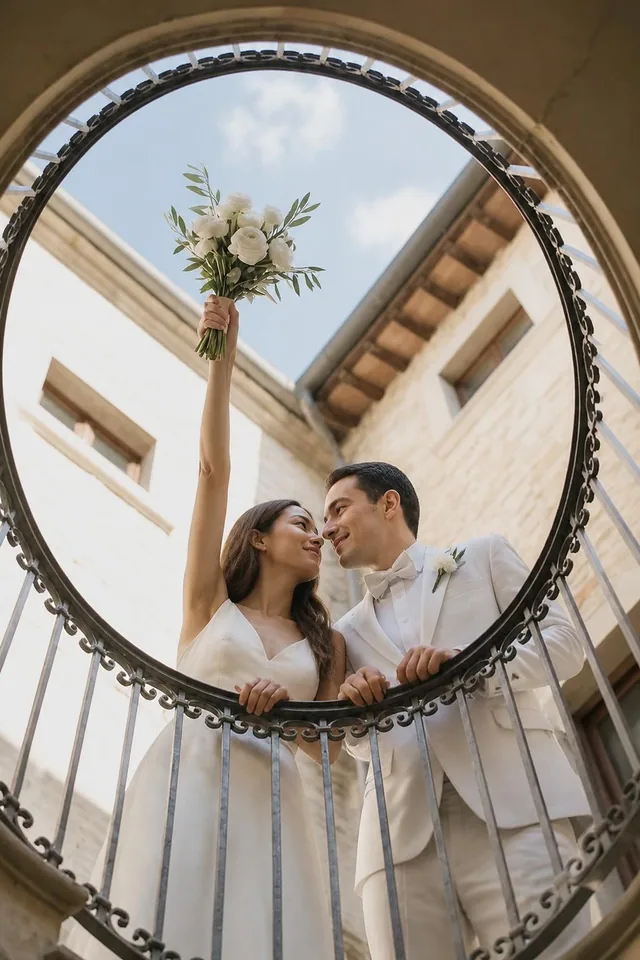
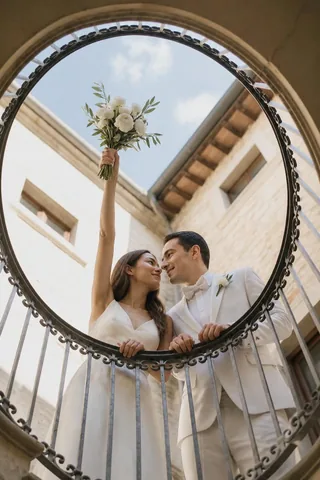
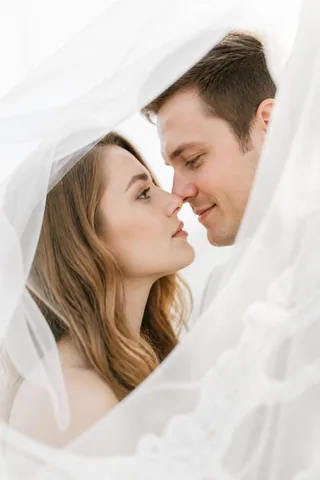
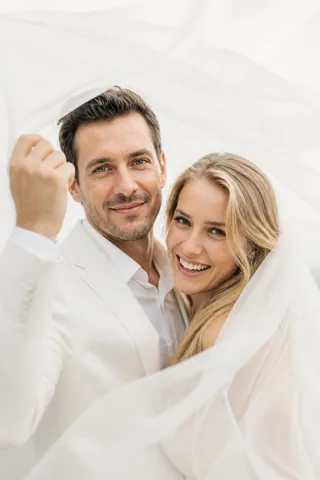
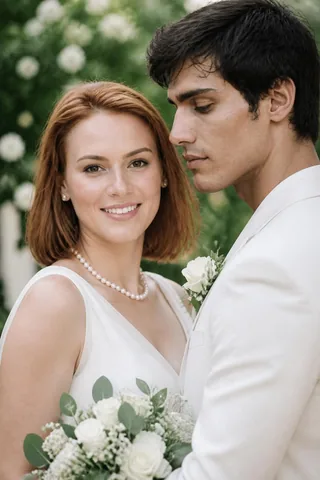
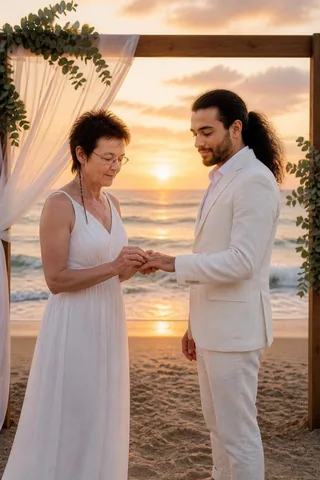
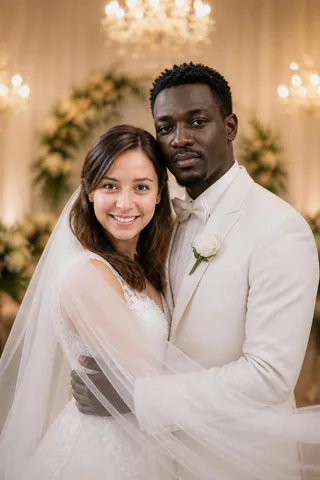
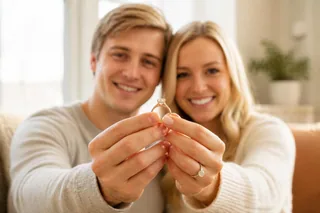
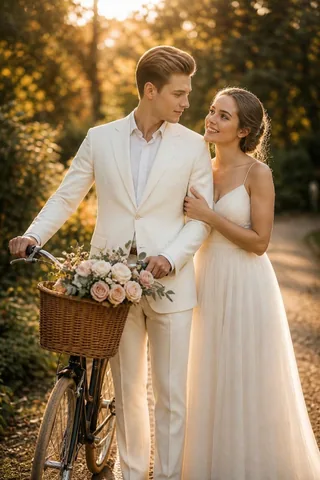
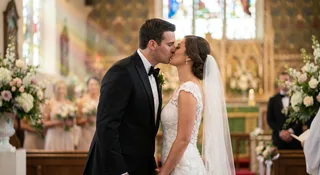
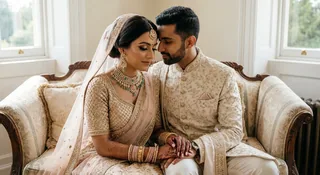
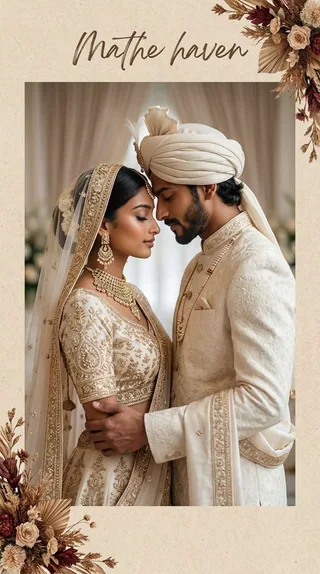
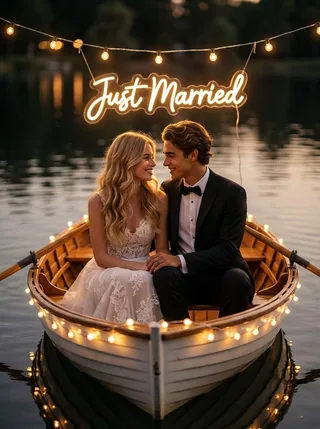
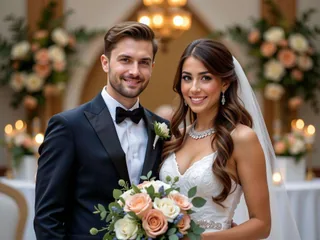
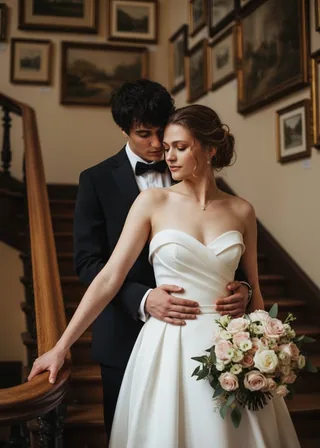
Wedding photos are emotional because the pose, light, clothing, and background all tell the same story. Start by choosing the mood you want: a ceremony first kiss, a seated Indian wedding portrait, a golden-hour pre-wedding scene, a bouquet portrait, a just-married boat moment, or an elegant indoor staircase. Clicking a specific card starts with that exact wedding template selected, so you do not need to search again.
Use cases
Wedding photo ideas
Pre-wedding ideas
Use the AI pre wedding photo generator when you want to test a romantic style before planning a real shoot. Try golden-hour outdoor portraits, garden scenes, classic formal poses, and soft venue lighting to see which direction feels natural for the couple.
Ceremony moments
Create ceremony-inspired AI wedding photos such as a first kiss, ring exchange, or elegant indoor portrait. These templates are useful when you want an emotional wedding look from two separate photos without manually editing a scene together.
Wedding keepsakes
Turn two solo portraits into a romantic visual for invitations, anniversary messages, private posts, or a wedding mood board. A free wedding template is a quick way to explore a polished keepsake before making more variations.
How it works
Two photos to wedding photos
Step 1
Pick a wedding template
Choose a style that matches your intent: ceremony, pre-wedding, formal portrait, Indian wedding, romantic outdoor scene, or indoor venue portrait. The template sets the pose, mood, and photo direction before you upload.
Step 2
Upload two portraits
Use one clear portrait for each person. The AI wedding photo generator works best when faces are visible, lighting is simple, and each upload shows only one person without heavy filters or distracting crops.
Step 3
Generate and save
Create a wedding-style couple image, compare the face likeness and mood, then download your favorite result. You can test a free version first and make more variations after you find a strong direction.
Wedding photo guide
Better wedding portraits
A strong AI wedding photo needs one clear story: the pose, light, outfit, background, and expressions should all point to the same moment. Pick a first kiss for ceremony emotion, a seated Indian wedding portrait for a formal album look, or a golden-hour pre-wedding style for something softer and more relaxed.
Templates keep the result focused. They tell the AI wedding photo generator whether you want ceremony energy, formal portrait styling, engagement-photo softness, or a romantic keepsake. Your two uploaded portraits still provide the identity cues, while the template carries the wedding mood.
Choose the scene
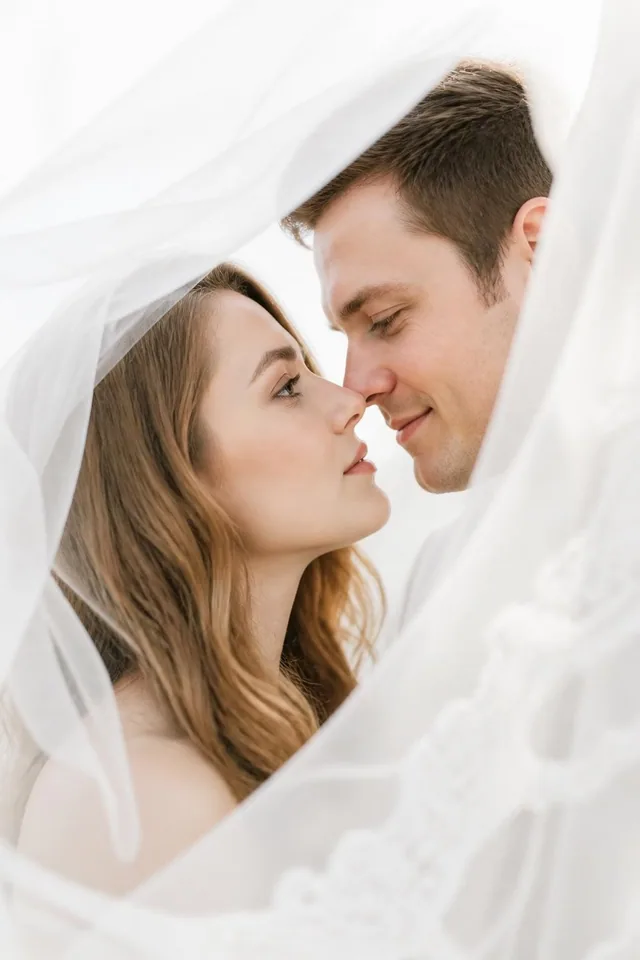
Use first kiss, bouquet, veil, ring exchange, garden, boat, or staircase styles based on the final mood you want.
Match the portraits
Similar face angle and lighting help the two people feel like they belong in one wedding photo.
Start free
Try one wedding template first, then generate more variations after the direction feels right.
Better results
Start with clear portraits
Wedding templates add more scene detail than a simple studio portrait. That makes the source photos important. Clear faces help the generator preserve likeness while changing the clothing, background, and pose into a wedding direction. A free first test is most useful when both input portraits are simple enough for the wedding style to do the creative work.
Upload checklist
- Upload one clear face photo for each person.
- Use similar lighting and face direction when possible.
- Avoid group photos, sunglasses, masks, and heavy filters.
- Choose Wedding templates for ceremony and pre-wedding looks.
FAQ
Wedding generator questions
What is an AI wedding photo generator?
An AI wedding photo generator turns two portrait photos into wedding-style couple images. Instead of booking a shoot first, you can test ceremony, pre-wedding, formal portrait, garden, indoor, and romantic scene ideas online. Use it to explore styles, create shareable keepsakes, or preview a wedding photo concept from two clear faces.
Can I use it as an AI pre wedding photo generator?
Yes. Many templates are useful for pre-wedding photos, engagement portraits, and save-the-date visuals. Choose a golden-hour outdoor style, garden portrait, boat scene, or classic formal look, then upload one clear photo for each person. The result is designed to feel like a coordinated couple session rather than two separate photos pasted together.
Do we need a real wedding photo together?
No. The generator is built for two separate portrait photos. It uses both uploads as identity references, then places the couple into the selected wedding template. Clear solo portraits with visible faces, natural lighting, and simple backgrounds usually create better AI wedding photos than group shots, heavy filters, or cropped low-resolution images.
Is the AI wedding photo generator free to try?
Yes. You can start free, pick a wedding template, and test the look before creating more variations. A free trial is helpful when you are comparing ceremony, Indian wedding, garden, boat, indoor, and pre-wedding styles because you can see which mood fits the couple before spending time on more generations.
Which wedding template should I choose first?
Start with the style closest to your intended use. First-kiss templates fit ceremony moments, seated Indian wedding portraits feel formal and album-ready, golden-hour scenes work for pre-wedding photos, and staircase or bouquet portraits suit classic keepsakes. If you are unsure, open the wedding template picker and compare the full Wedding group.
Start from a wedding template
Create a wedding photo free
Choose a wedding style, upload two clear portraits, and generate a romantic couple image for a ceremony idea, AI pre wedding photo, invitation mood board, anniversary post, or private keepsake. Start free and compare styles before making more wedding photo variations.