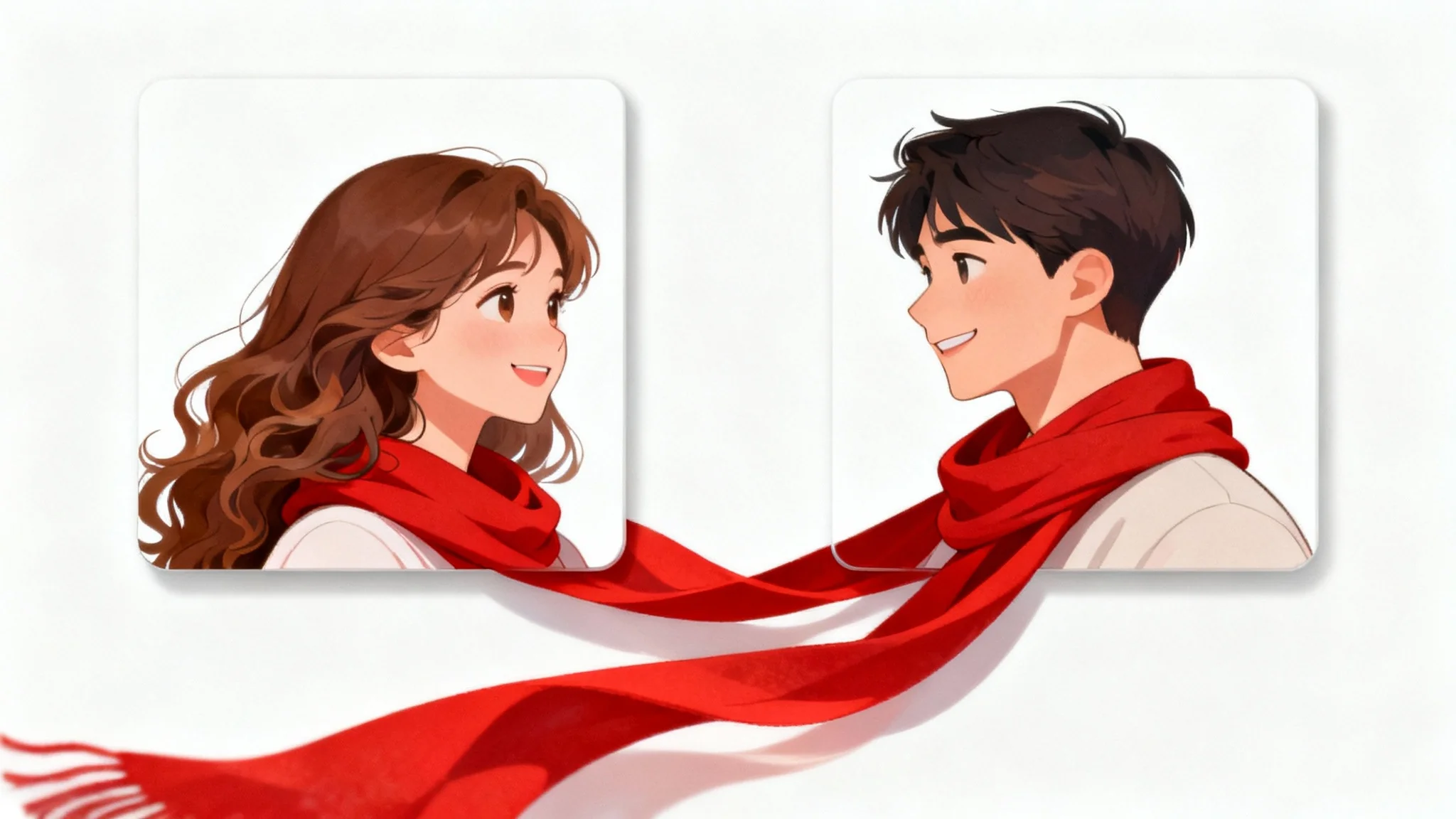
Red Scarf Split Anime
This card shows the shared style direction. The final output creates one coordinated avatar per person, so both images work alone and still feel like a matching set.
Matching PFP Maker
Upload two solo photos and generate two separate matching PFPs, one for each person. The template cards show the shared style direction; the generator creates two standalone profile images with matching mood, palette, and framing.
Create
Upload two clear solo portraits, pick one matching avatar style, and generate two private profile pictures.
Step 1
Upload two clear solo portraits, one person per image. Use recent images with visible faces so the AI can preserve likeness.
Step 2
Choose a matching PFP template to prefill the prompt, or write your own avatar details.
Private uploads. Your photos are used only to create your result.
Matching PFP creates two separate avatars, so it uses double credits.
Sign in to get free credits.
Matching PFP results
Two separate avatars will appear here.
Avatar 1
Waiting for generation.
Avatar result appears here.
The other slot can finish first.
Avatar 2
Waiting for generation.
Avatar result appears here.
The other slot can finish first.
Real style references
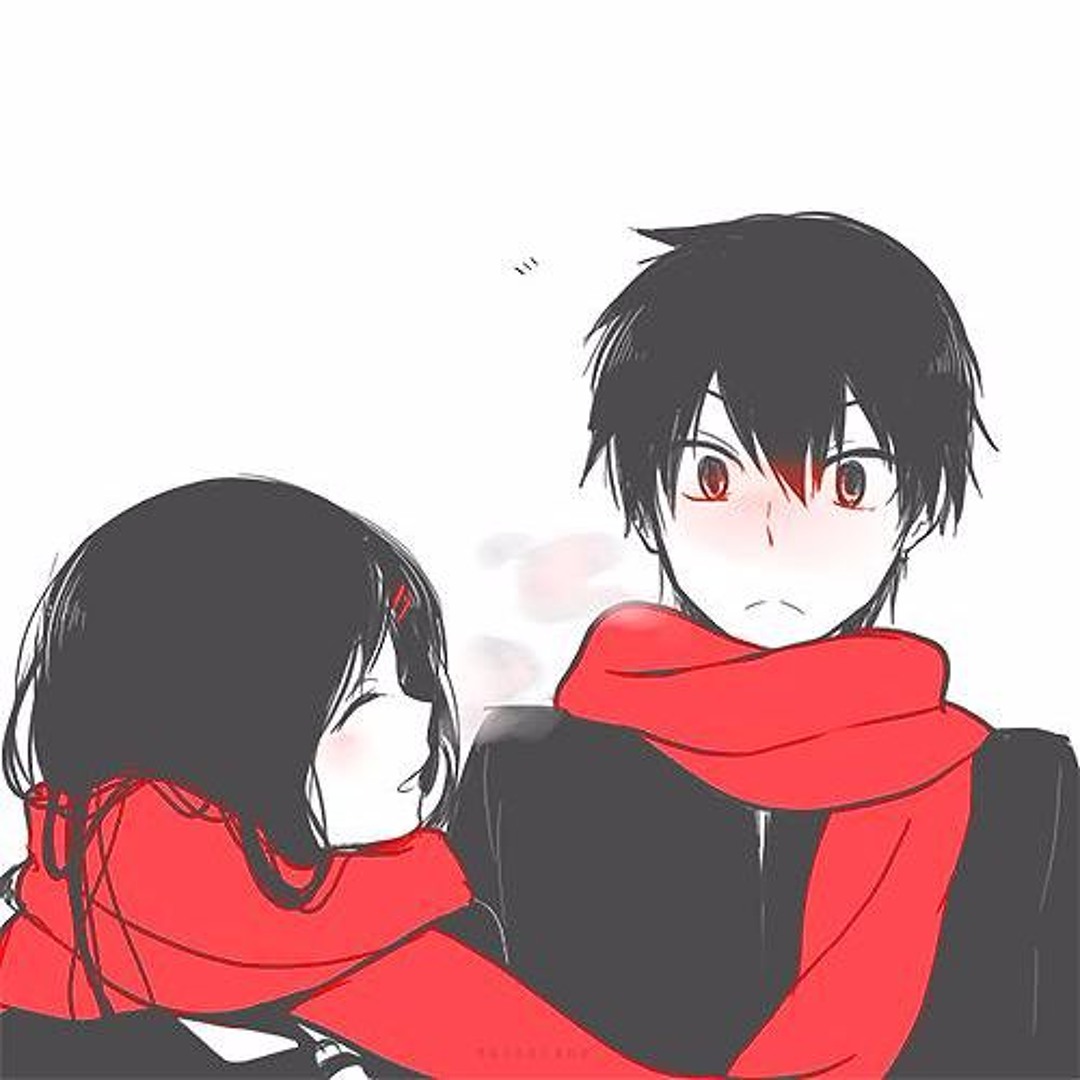
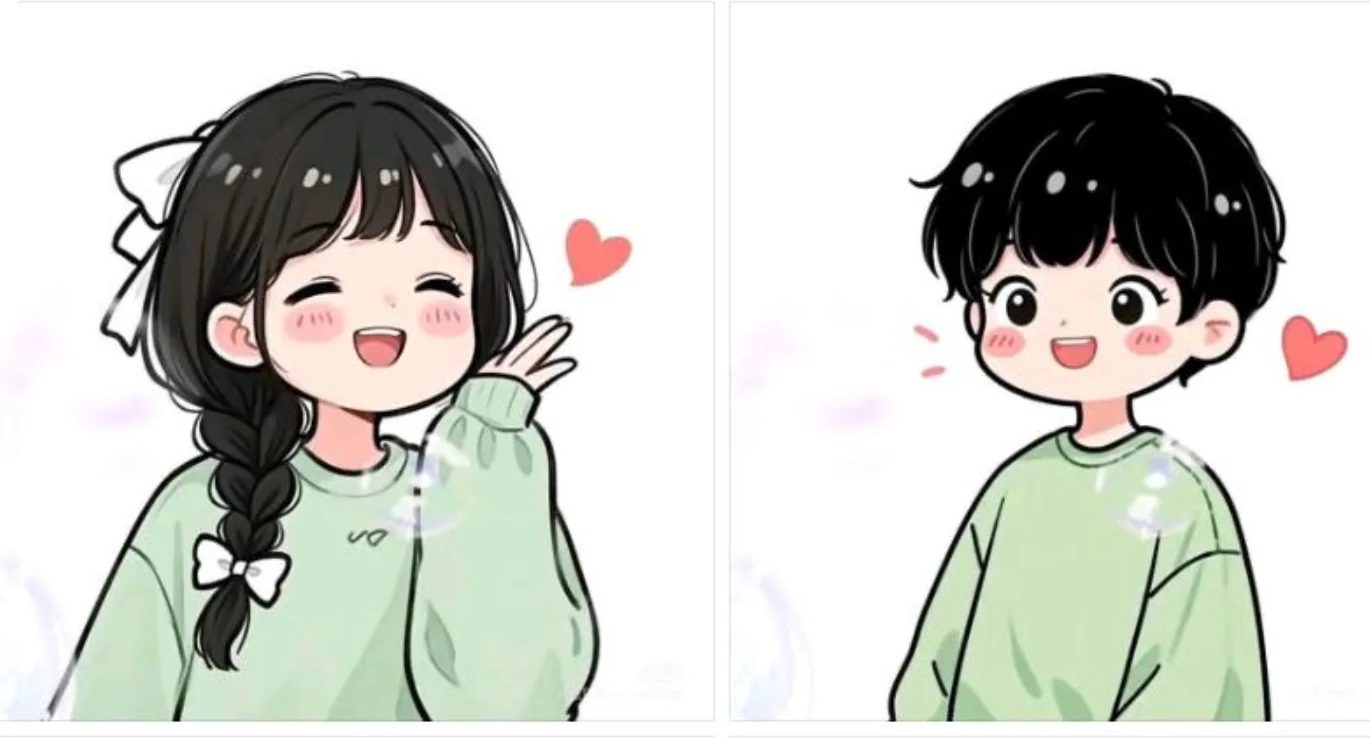
These cards use real generated template images, not placeholder sketches. They set the art direction for both outputs: the first avatar and the second avatar are generated separately, but they share the same style system.
This card shows the shared style direction. The final output creates one coordinated avatar per person, so both images work alone and still feel like a matching set.
This card shows the shared style direction. The final output creates one coordinated avatar per person, so both images work alone and still feel like a matching set.
This card shows the shared style direction. The final output creates one coordinated avatar per person, so both images work alone and still feel like a matching set.
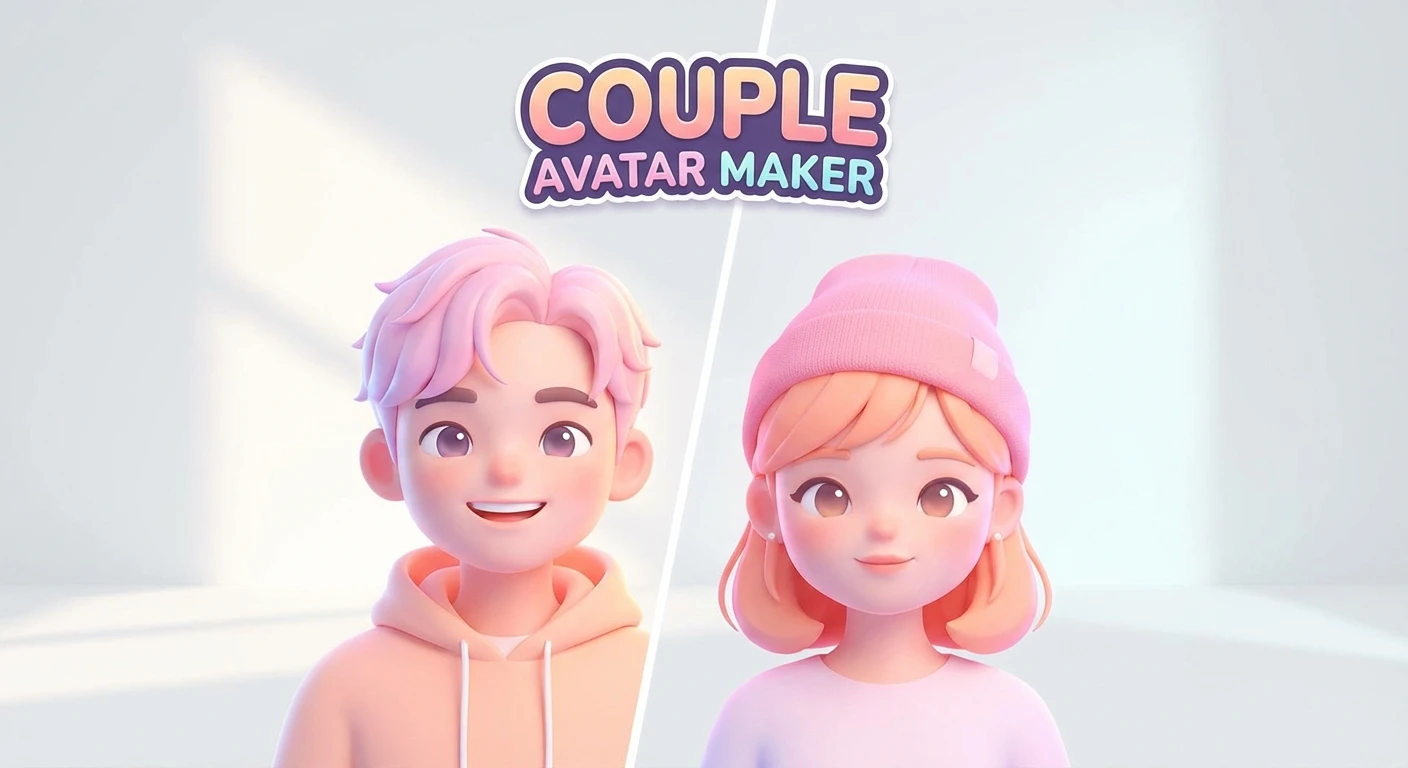
This card shows the shared style direction. The final output creates one coordinated avatar per person, so both images work alone and still feel like a matching set.
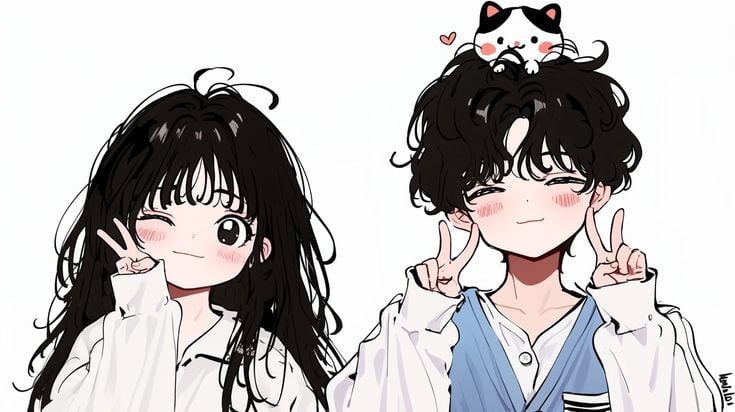
This card shows the shared style direction. The final output creates one coordinated avatar per person, so both images work alone and still feel like a matching set.
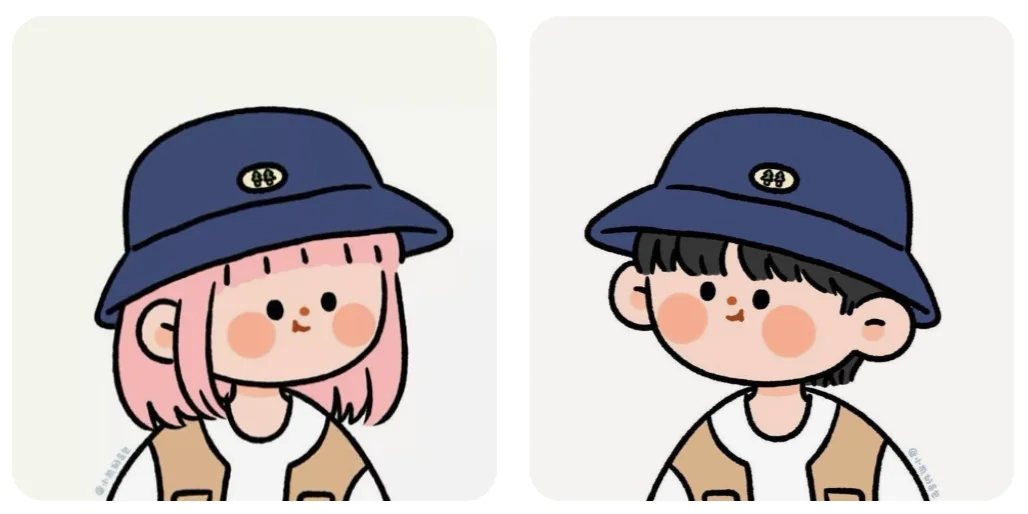
This card shows the shared style direction. The final output creates one coordinated avatar per person, so both images work alone and still feel like a matching set.
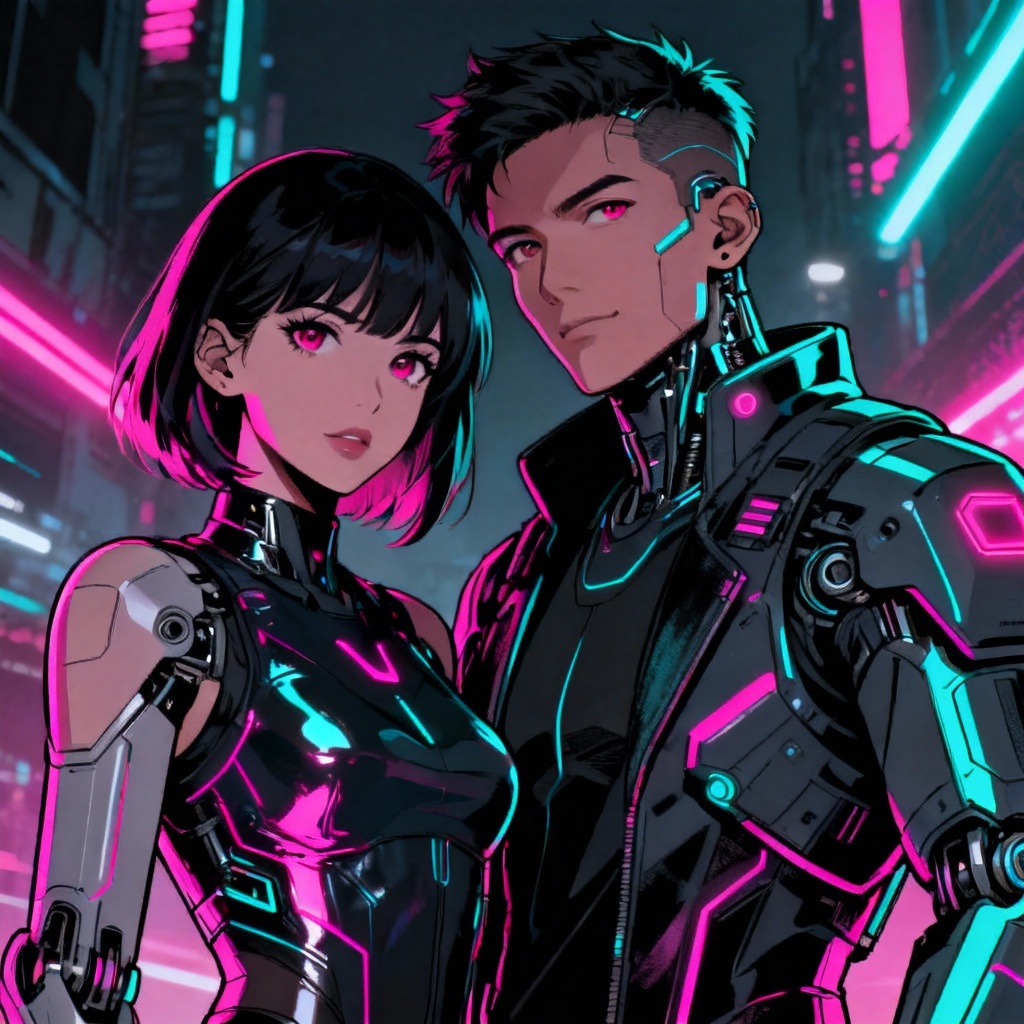
This card shows the shared style direction. The final output creates one coordinated avatar per person, so both images work alone and still feel like a matching set.
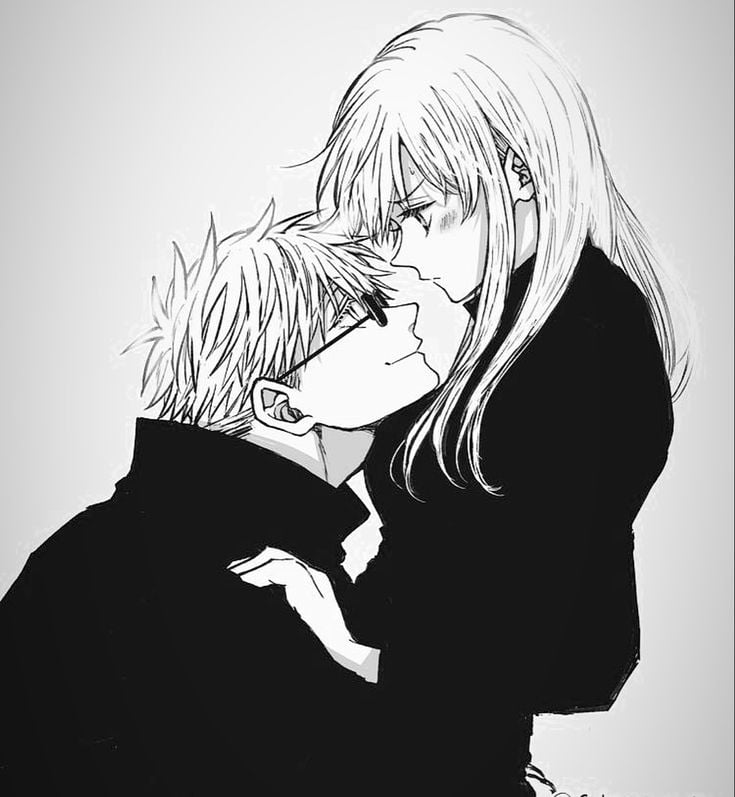
This card shows the shared style direction. The final output creates one coordinated avatar per person, so both images work alone and still feel like a matching set.
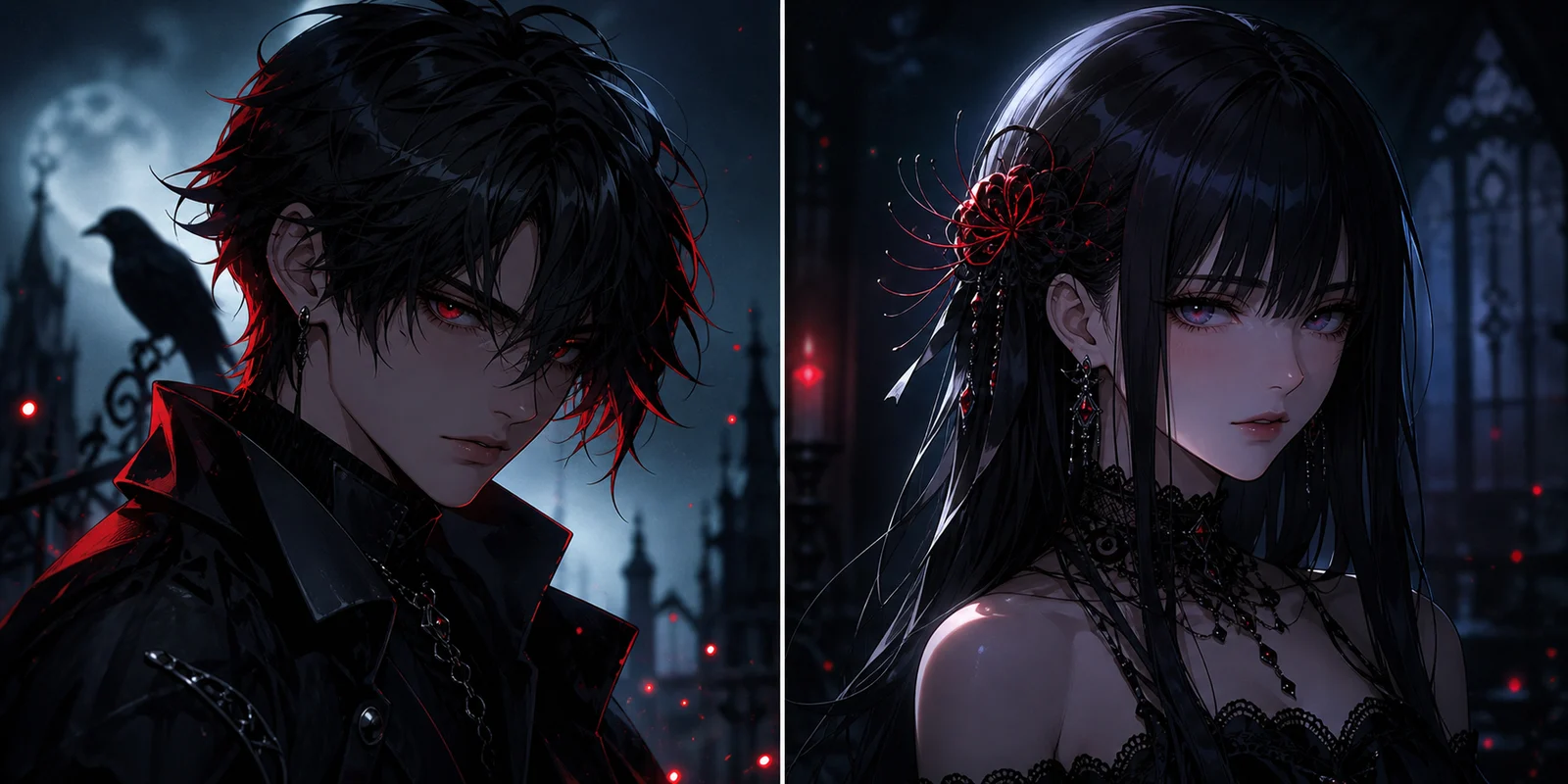
This card shows the shared style direction. The final output creates one coordinated avatar per person, so both images work alone and still feel like a matching set.
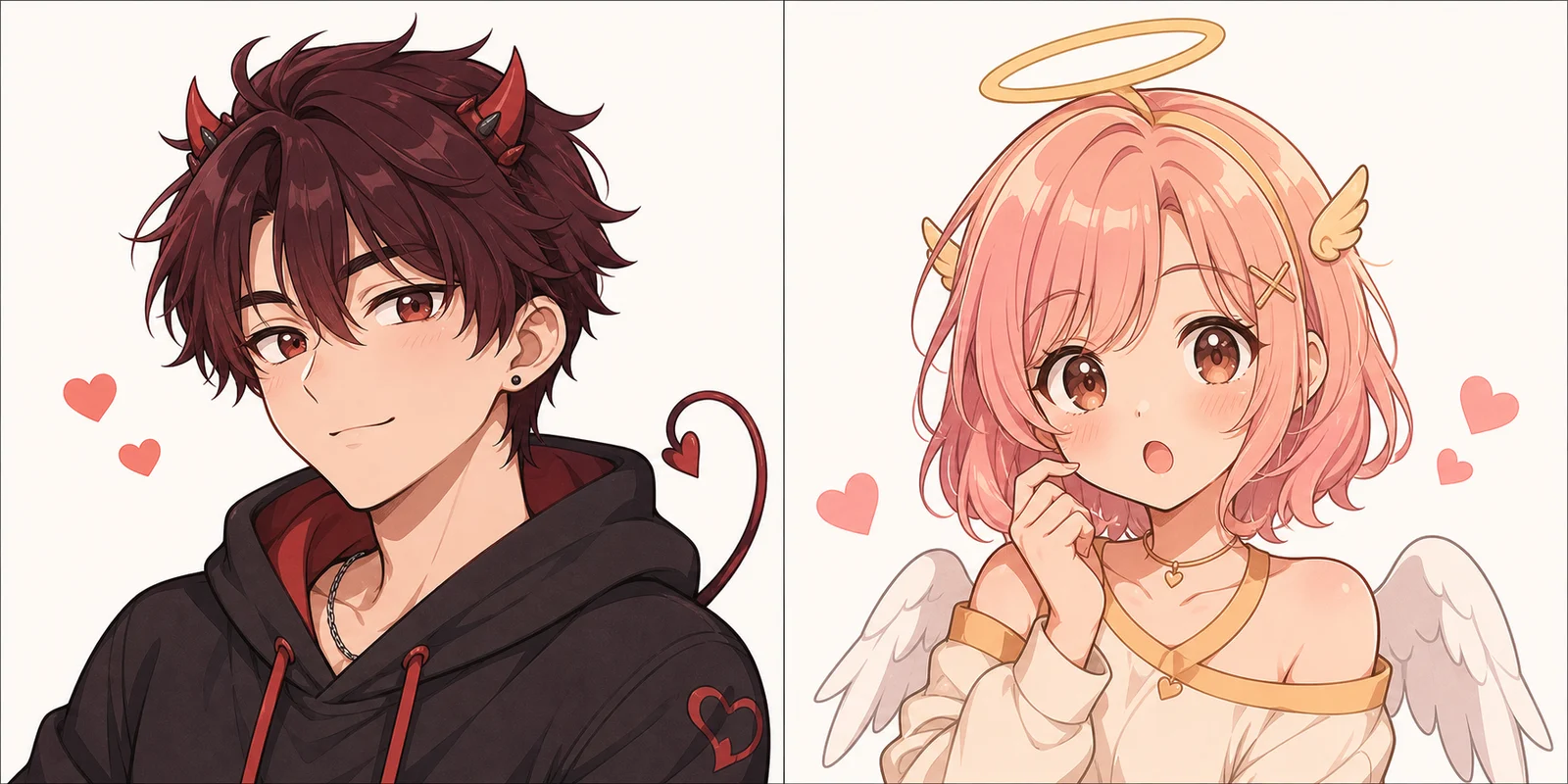
This card shows the shared style direction. The final output creates one coordinated avatar per person, so both images work alone and still feel like a matching set.
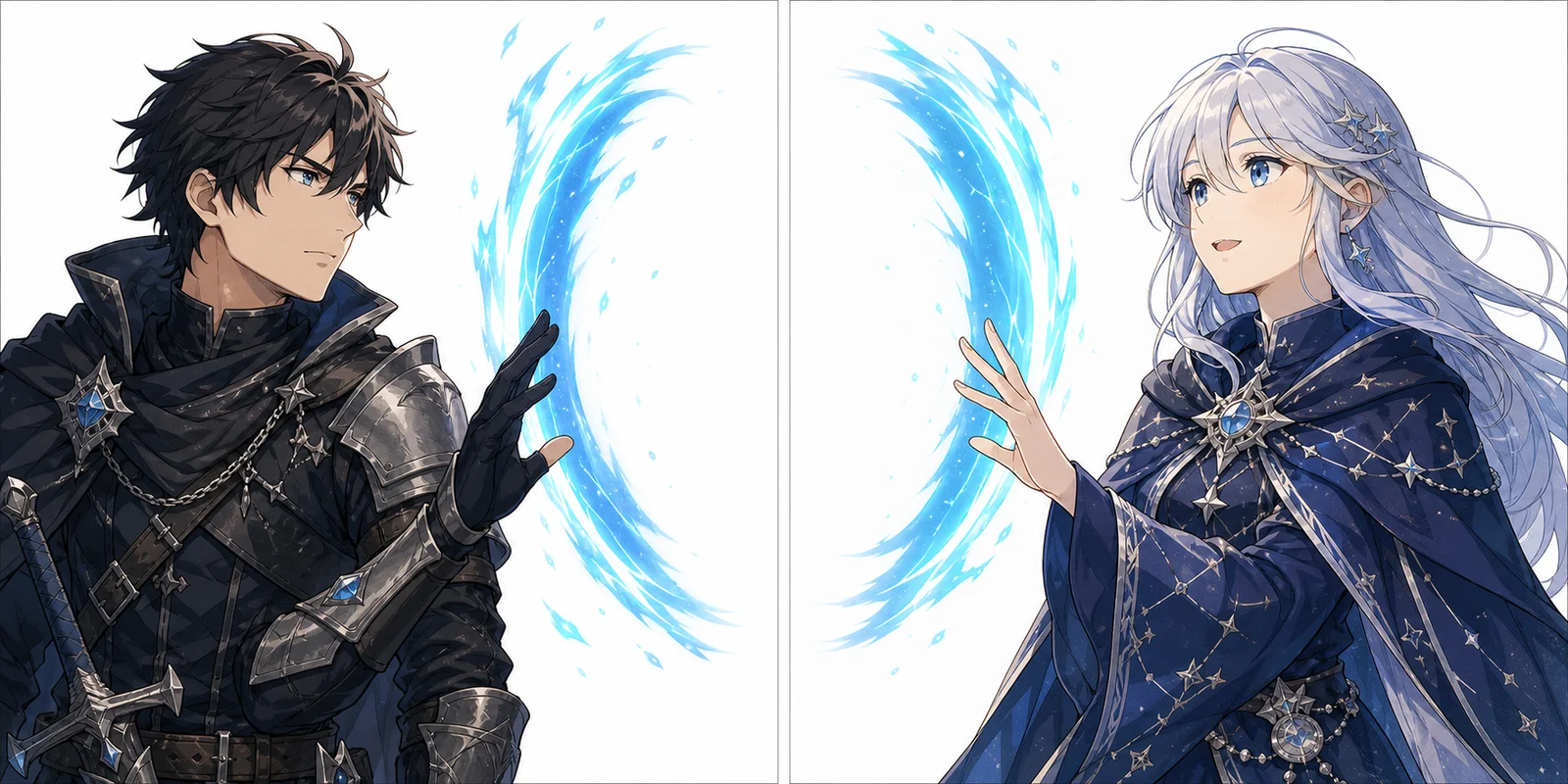
This card shows the shared style direction. The final output creates one coordinated avatar per person, so both images work alone and still feel like a matching set.
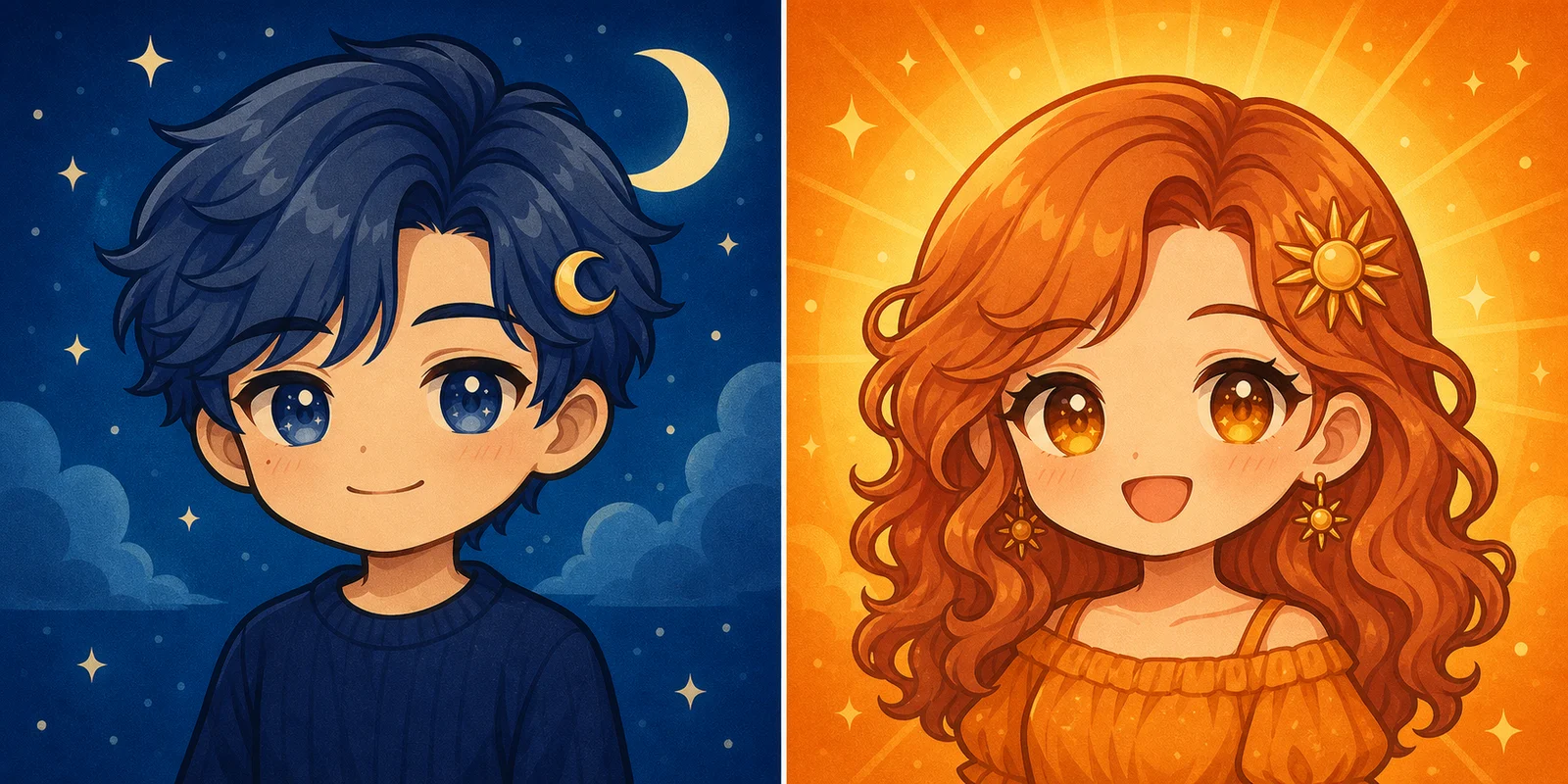
This card shows the shared style direction. The final output creates one coordinated avatar per person, so both images work alone and still feel like a matching set.
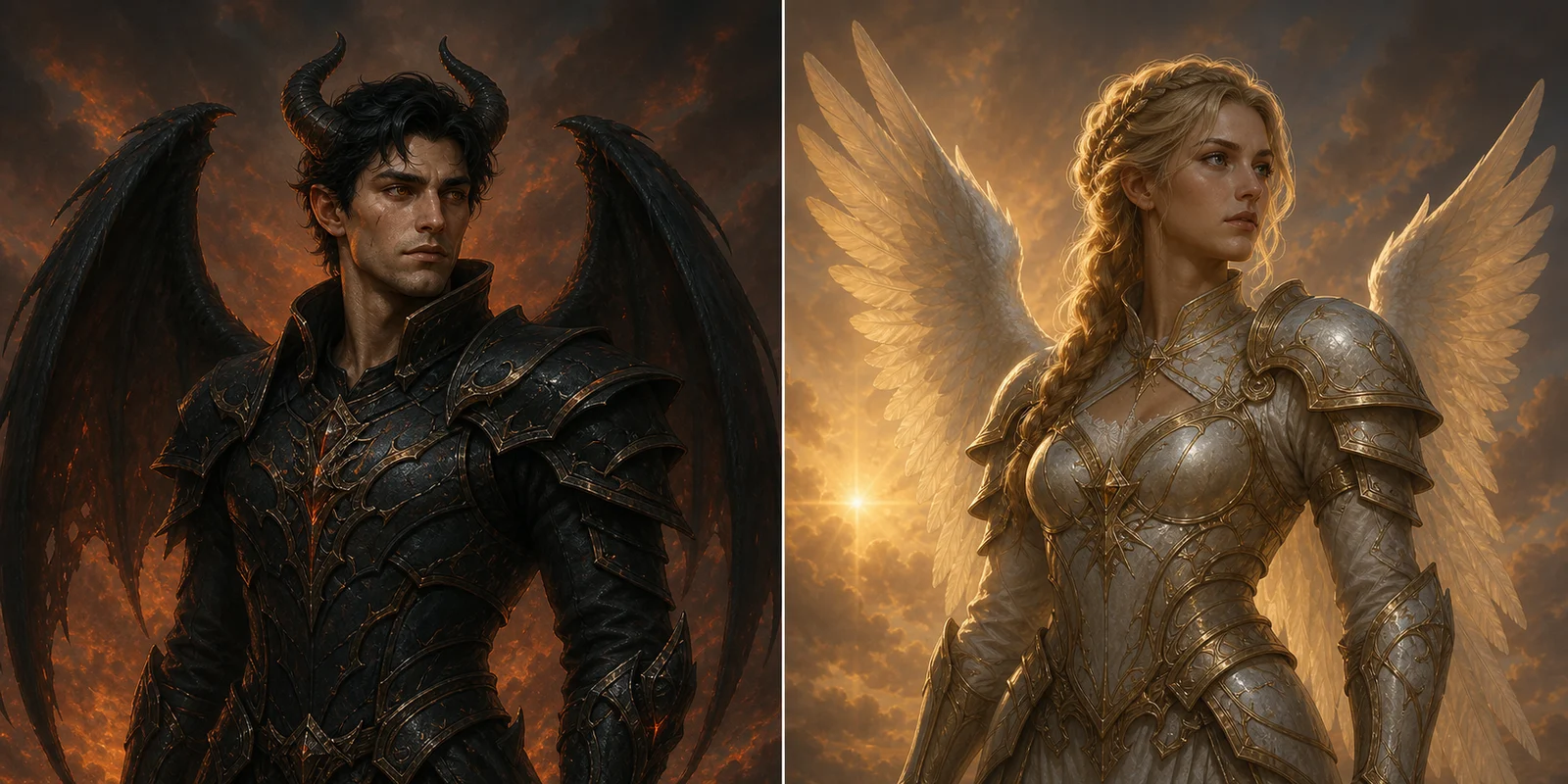
This card shows the shared style direction. The final output creates one coordinated avatar per person, so both images work alone and still feel like a matching set.
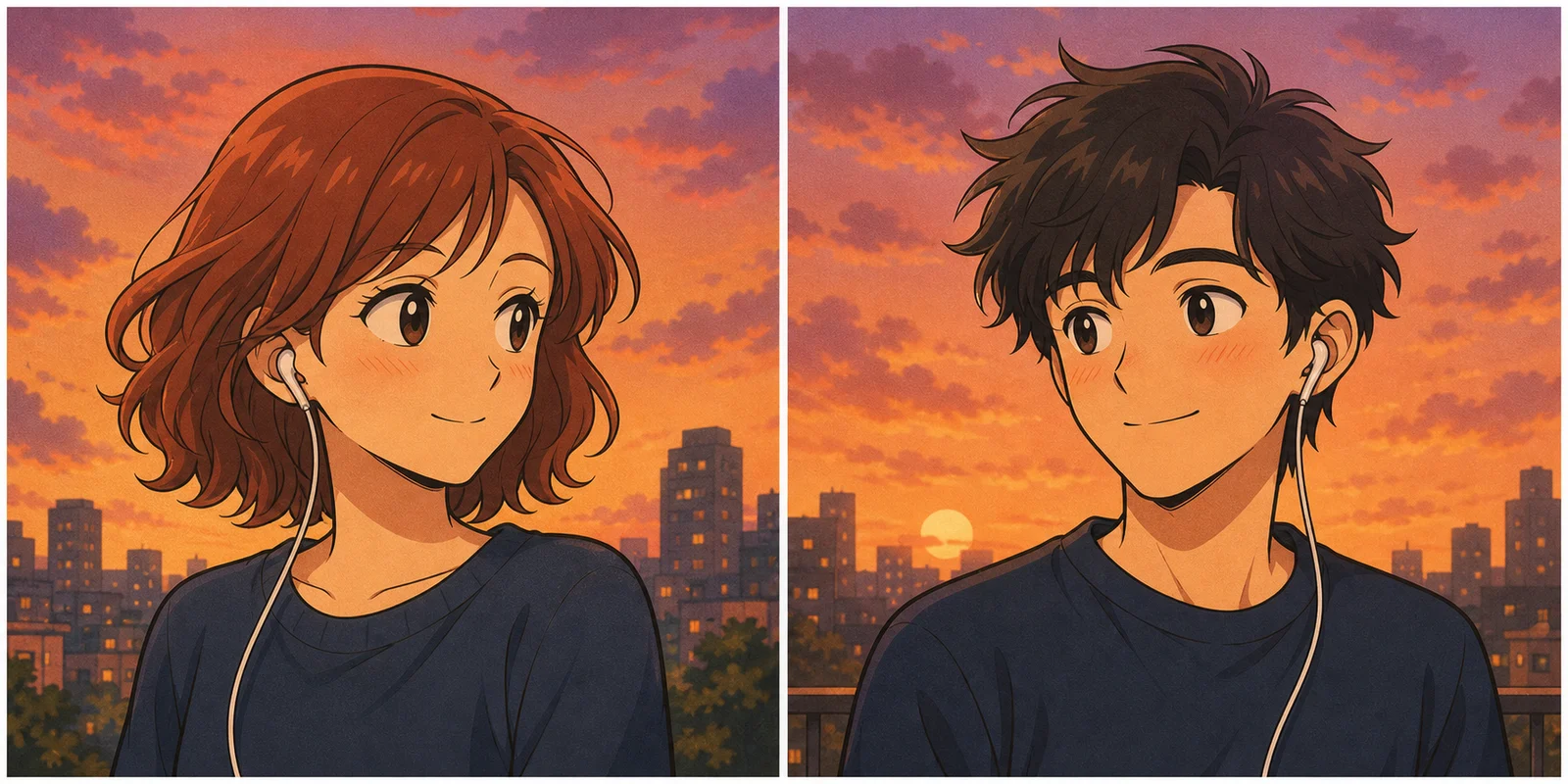
This card shows the shared style direction. The final output creates one coordinated avatar per person, so both images work alone and still feel like a matching set.
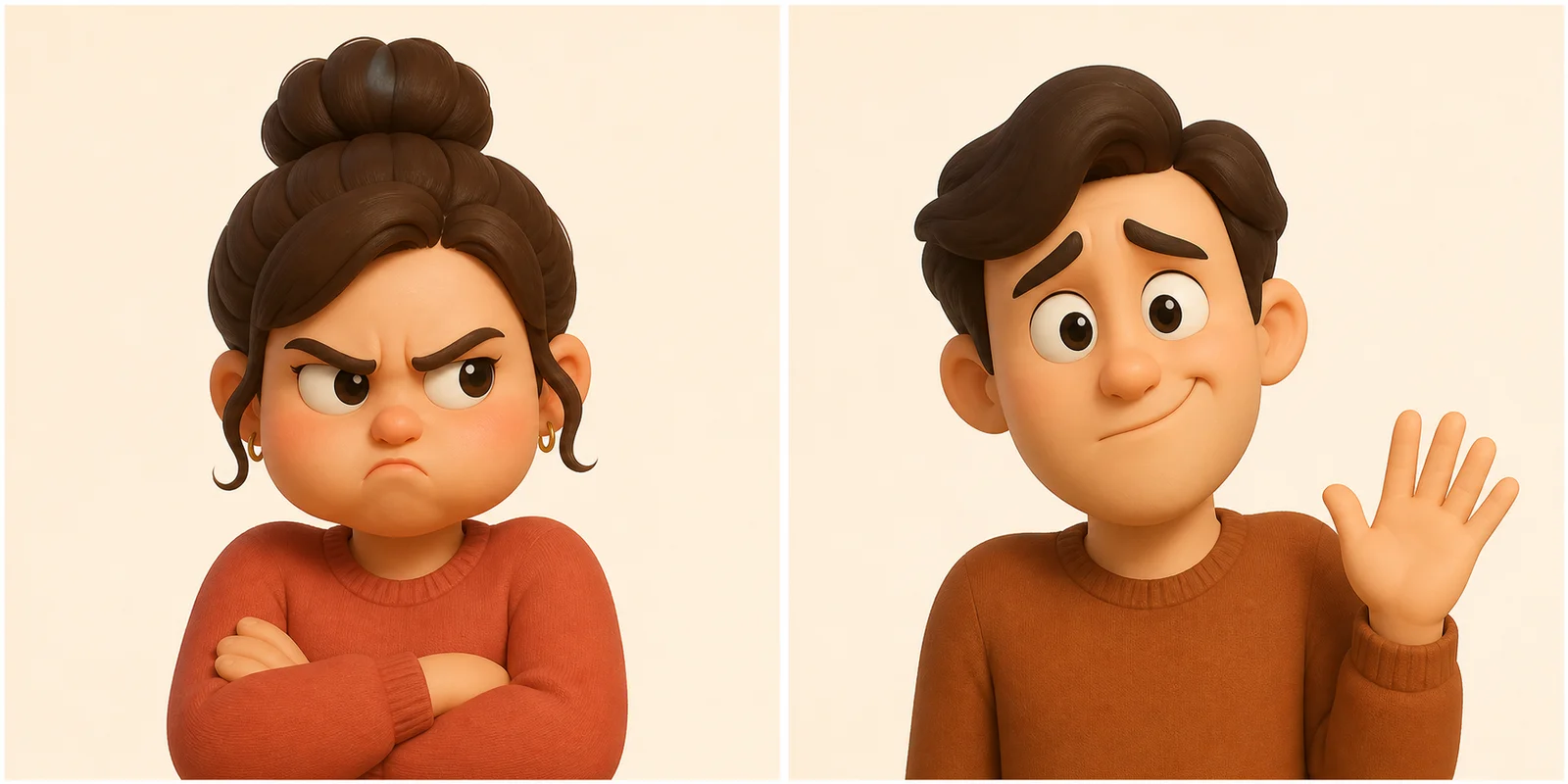
This card shows the shared style direction. The final output creates one coordinated avatar per person, so both images work alone and still feel like a matching set.
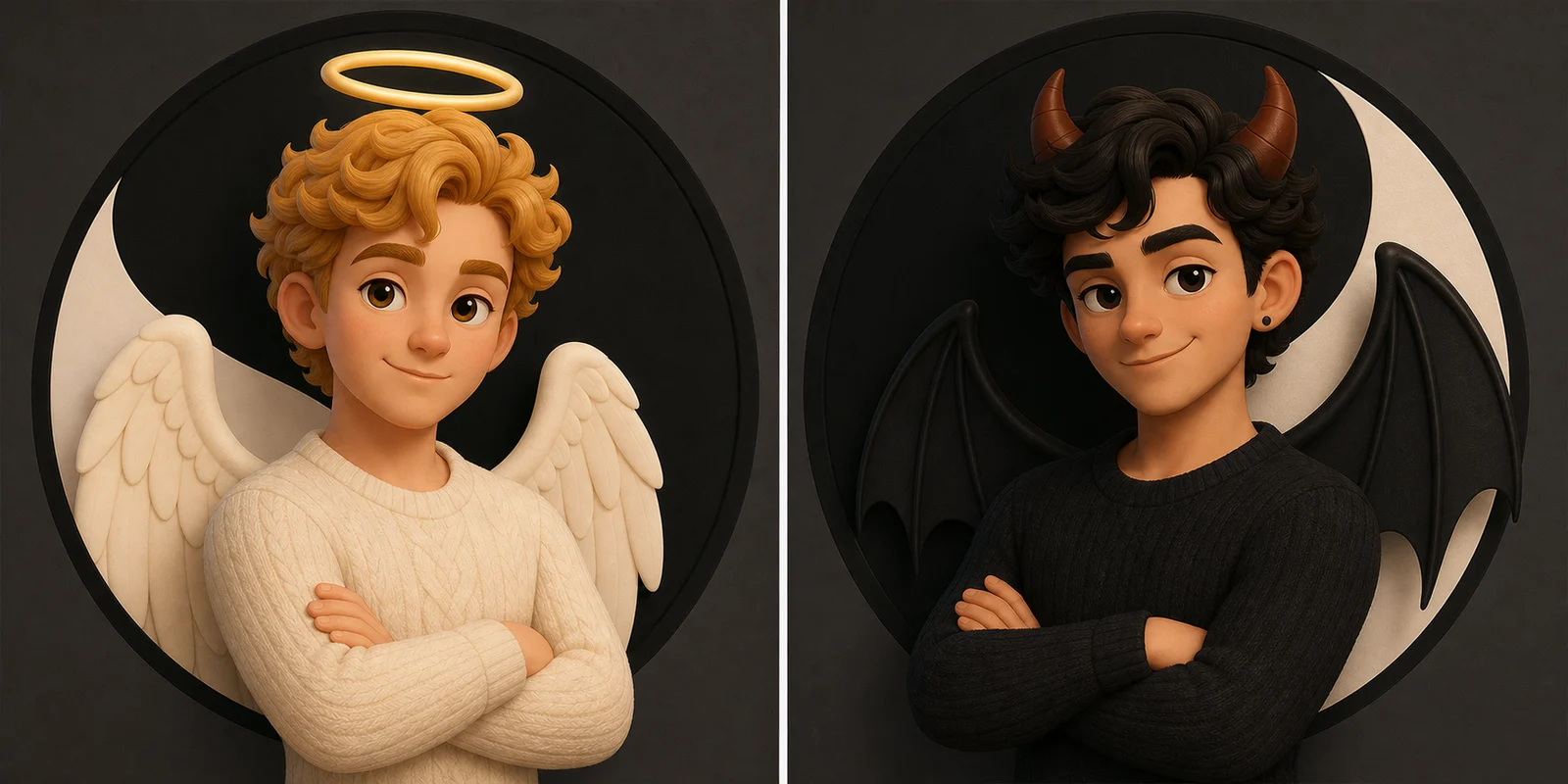
This card shows the shared style direction. The final output creates one coordinated avatar per person, so both images work alone and still feel like a matching set.
Use cases
The page is built for people searching for matching profile pictures, matching couple PFPs, duo avatars, and Discord icon sets. The output is intentionally profile-first: two clean matching images, not one large couple scene.
Use two coordinated avatars when you want each person to keep their own profile image while still showing a shared relationship style. It works better than one cropped couple photo when both accounts need a clean, readable icon.
Pick gothic fire and shadow, angel and devil anime, or mirrored fantasy portal styles for gaming servers, Discord icons, and duo accounts. The goal is instant pair recognition at small sizes, not a busy poster scene.
Matching PFPs are not only for couples. Use sun and moon chibi, one song two hearts, playful reaction, or yin and yang styles for best friends, long-distance partners, private chats, anniversaries, and shared social moments.
How it works
Use one clear single-person portrait for each avatar. You do not need an existing photo together, and you should avoid group shots or tiny face crops.
Choose one of the selected style references: gothic fire and shadow, angel and devil anime, mirrored fantasy portals, sun and moon chibi, cinematic guardians, shared music, playful 3D reactions, or yin and yang. The style controls the palette, crop, mood, and profile-picture readability for both outputs.
Each avatar has its own result area and download button. If one image finishes first, it appears while the second one is still waiting or generating.
Two-image workflow
A single couple image often becomes unreadable after it is cropped into two profile circles. Matching PFP Maker keeps the pair logic, but gives each person a dedicated result slot.
Both outputs use the same visual language, so the pair still reads as one set across chat lists, friend pages, and profile grids.
One avatar can finish and display first while the other remains queued or running. The UI does not hide the completed image behind a shared loading state.
The prompts favor readable faces, simple backgrounds, strong silhouettes, and balanced framing because PFPs are viewed at small sizes.
The flow creates two final images, so the page explains the double-credit cost before the user starts generation.
Style guide
Search pages for matching PFPs tend to promise many styles. The useful choice is narrower: choose the visual language that matches the account, then let the generator keep both avatars coordinated.
Best for dark anime profiles that share blue-black night lighting and restrained crimson accents while keeping two distinct characters.
Best for playful gaming or chat icons built around two complementary cute anime roles.
Best for fantasy duos connected by matching cyan portal energy without turning the two avatars into one scene.
Best for bright celestial chibi icons with complementary night-blue and sun-orange palettes.
Best for detailed cinematic fantasy portraits with matched armor craftsmanship and opposing light and dark roles.
Best for warm nostalgic anime icons linked by matching earbuds, sunset colors, and separate self-contained backgrounds.
Best for funny 3D reaction icons where one person looks annoyed and the other playfully innocent, without using text bubbles.
Best for polished 3D light-and-dark avatars with complementary angel and demon styling.
Better results
Matching PFPs fail most often when the source faces are too small, too filtered, or hidden behind group-photo noise. Use clean portraits first, then judge the style.
Avatar Maker vs Matching PFP Maker
Both tools start with two solo portraits. The difference is how many final images you receive and whether the two people appear together or separately.
2 portrait uploads → 1 shared couple image
Both people appear together in the same final image. Choose this for one joint profile picture, couple avatar, romantic post, or keepsake.
Create one shared couple avatar2 portrait uploads → 2 separate profile pictures
Each final image contains one person. The two PFPs share a style, palette, and framing so each person can use a coordinated icon on their own account.
FAQ
A matching PFP maker creates two profile pictures that look like they belong together. Instead of making one shared couple photo, this tool uses two uploaded portraits and generates two separate profile images with the same style, mood, palette, and framing.
Yes. The AI Couple Avatar Maker creates one shared couple avatar image. Matching PFP Maker creates two separate profile pictures, one for each person, so both people can use their own avatar while still looking like a matched pair.
No. Upload one clear solo photo for each person. Separate portraits usually work better than cropping a group photo because each face gives the generator a cleaner identity reference.
It generates two images. Each avatar has its own result area and download button. If one result finishes first, it appears immediately while the second avatar keeps generating.
Matching PFP generation runs two avatar generations under one matching set. Because it creates two final images instead of one, it uses double the normal generation credits.
Yes. The output is designed as matching profile artwork, so it works well for Discord icons, social profiles, messaging apps, private chats, anniversary posts, and friend or couple accounts.
Use clear solo portraits, similar face angles, visible faces, and simple lighting. Avoid group photos, sunglasses, heavy filters, blurry selfies, and tiny face crops. Then choose a style that fits where the icons will be used.
Create the pair
Choose a real style reference, upload one clear portrait per person, and create two separate PFPs that can be used together across Discord, social profiles, and private chats.