Couple Portrait Generator
Free studio portrait generator for couples
Create a realistic studio-style image from two separate photos. Pick a studio, black-and-white, editorial, light-projection, or romantic template, upload one clear photo for each person, and turn separate images into one coordinated portrait. Start free when you want a polished keepsake, profile image, anniversary visual, or romantic result without manual photo editing.
Free trial availableTwo portraits to one studio imageBlack-and-white and editorial styles
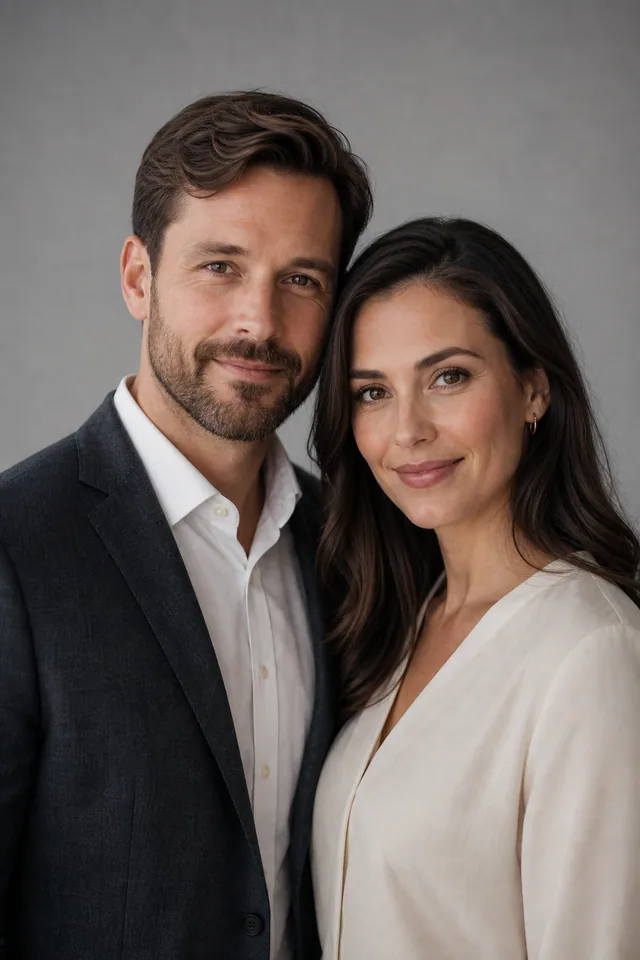
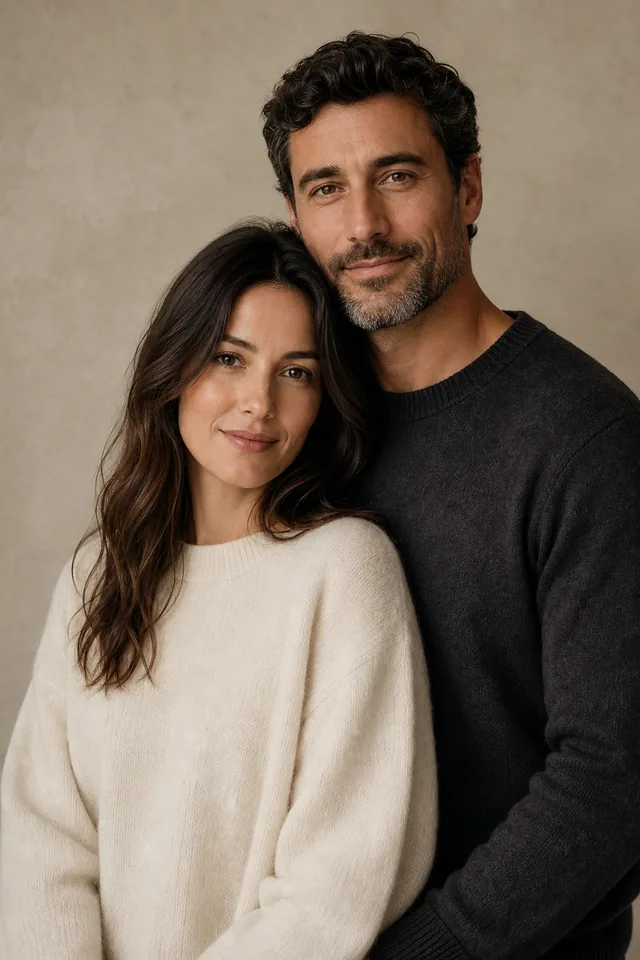
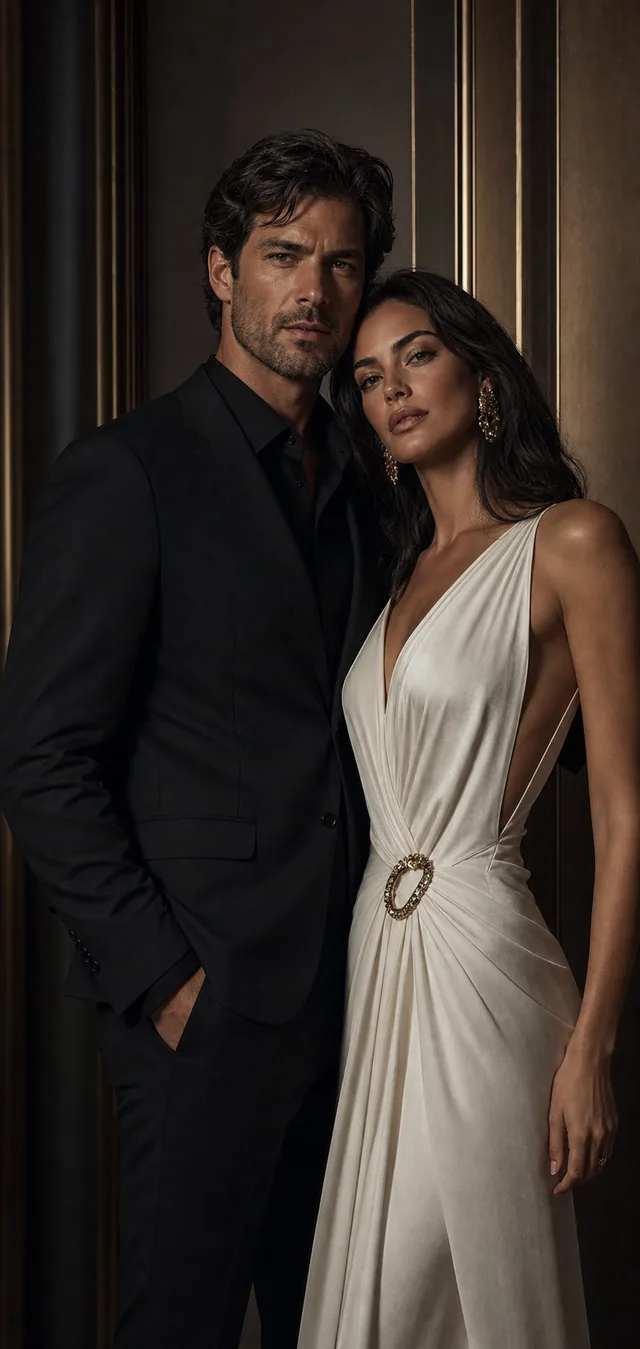
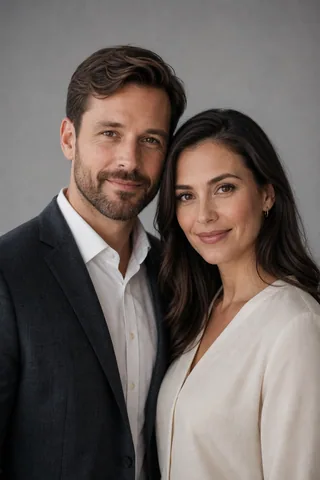
Studio portraits from two photos
Studio templates keep the scene controlled so the result feels like a planned portrait session, not a random collage.
Portrait templates
Choose a portrait style
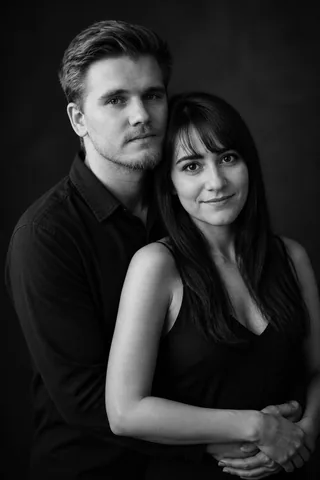
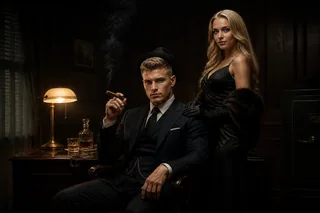
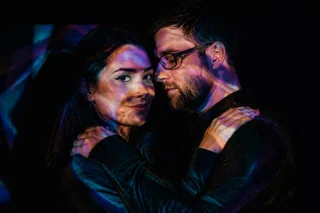
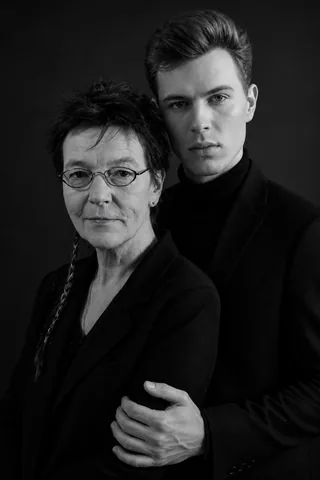
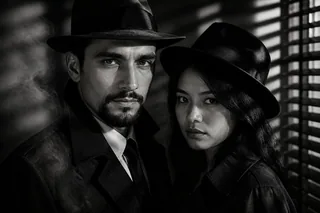
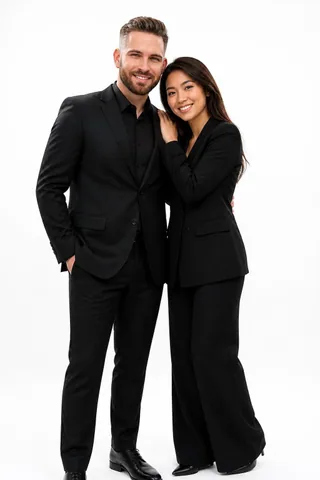
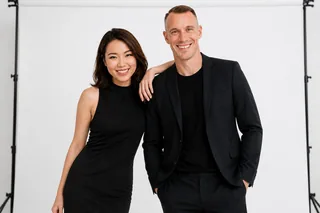
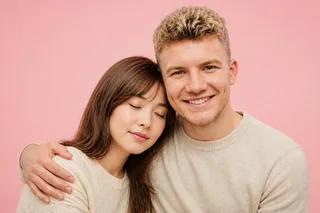
Pick the portrait direction before you upload. Use white studio when you want a clean couple photo, black-and-white for a timeless romantic portrait, projection light for a creative editorial look, noir for a cinematic mood, or a close romantic background when the image should feel softer. Clicking a card starts with that exact Studio template selected.
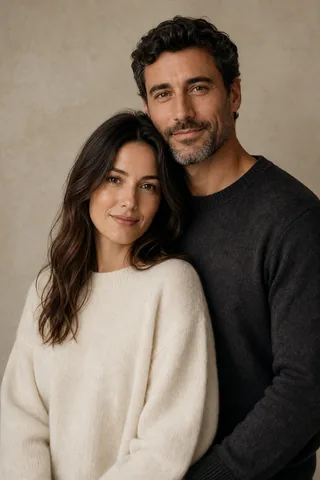
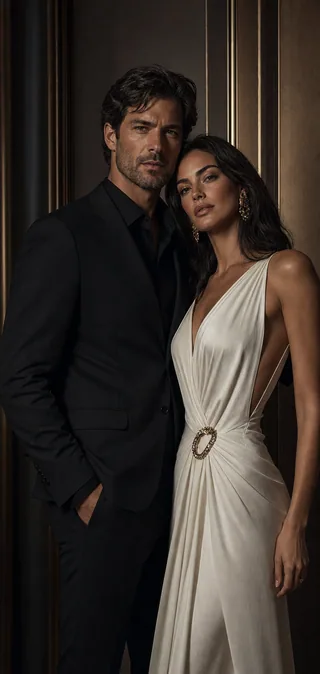
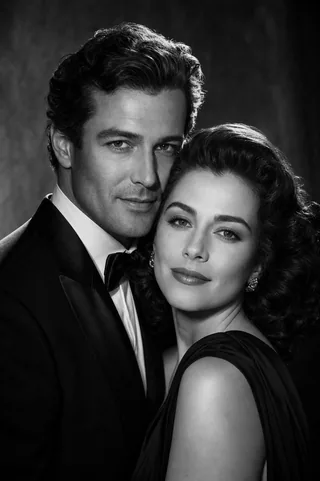
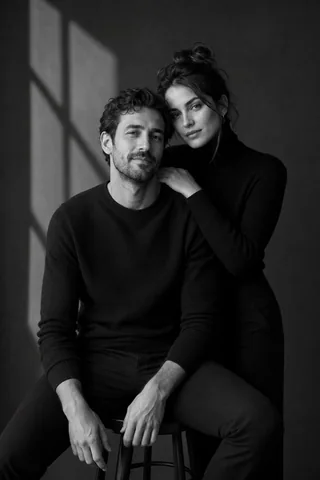
Use cases
Portraits with a purpose
Studio keepsakes
Create a polished couple portrait when you want something calmer than a selfie and less formal than a wedding image. Studio templates work well for anniversaries, framed gifts, private messages, and profile headers.
Editorial profiles
Use black-and-white, white-background, noir, or light-projection templates when the portrait needs more presence. These styles help two separate photos feel like one intentional editorial session.
Romantic portraits
Choose a close portrait style when the image should feel affectionate without becoming a wedding scene. The best results keep both faces readable, body language natural, and background detail controlled.
How it works
Two photos to one portrait
Step 1
Pick a Studio template
Choose the portrait mood first: clean white studio, timeless monochrome, cinematic noir, projection light, or soft romantic close-up. The template defines the lighting, composition, and pose direction.
Step 2
Upload two portraits
Use one clear photo for each person. Similar face angle and simple lighting help the generator keep both people recognizable in one shared studio-style image.
Step 3
Generate and save
Create the portrait, compare face clarity and mood, then download the result that works best for a keepsake, profile image, anniversary post, or private romantic message.
Portrait guide
Better couple portraits
A strong couple portrait is built around restraint. The lighting, framing, background, and pose should support the two people instead of competing with them. Studio templates keep that direction focused: clean backgrounds for profile-friendly images, monochrome light for timeless portraits, and creative projection or noir setups for a stronger editorial mood.
Portrait templates are also useful when your two source photos were taken in different places. The template gives both people one visual language, while the uploaded portraits provide the identity cues. Start with the style that matches the final use, then generate more variations only after the first direction feels right.
Keep it focused
Choose Studio when the couple, face clarity, and pose matter more than a busy background.
Match the mood
Use black-and-white for timeless romance, white studio for a clean look, and projection light for creative energy.
Start free
Try one portrait template first, then compare variations after you know the style fits.
Better results
Start with clear faces
Studio portrait templates are controlled, so weak input photos stand out quickly. Use clear, well-lit portraits where each face is visible. Similar face direction helps the final image feel like one session, especially for black-and-white, white-background, and close romantic couple portraits.
Upload checklist
- Use one clear solo portrait for each person.
- Prefer visible faces, simple lighting, and natural expressions.
- Avoid group photos, sunglasses, face-covering crops, and heavy filters.
- Choose Studio templates when you want realistic portrait photography.
FAQ
Portrait generator questions
What does the portrait generator do?
It turns two separate portrait photos into one shared couple image. Choose a studio or editorial template, upload one clear photo for each person, and the generator creates a coordinated result with matching light, pose, mood, and background.
Do we need a photo together?
No. You can start with two solo portraits. Clear face photos are usually better than a low-resolution picture together because each person gives the generator a cleaner identity reference before the studio portrait style is applied.
Which couple portrait style should I choose?
Start with the final mood. White studio portraits are clean and profile-friendly, black-and-white studio portraits feel timeless, projection-light portraits feel creative, and romantic close portraits work well for keepsakes, anniversaries, and private messages.
Is this different from an AI couple avatar maker?
Yes. A couple avatar is stylized for profile icons and may look illustrated, anime, pixel, or cartoon-like. A studio portrait keeps a realistic photography direction, with studio lighting, editorial framing, and more natural face detail.
Can I try it free?
Yes. You can start free, choose a portrait template, and test a look before making more variations. A free first result is useful for comparing clean studio, romantic, monochrome, and editorial portrait directions.
Start from a Studio template
Create a couple portrait free
Choose a portrait style, upload two clear photos, and create a realistic couple image for a keepsake, profile, anniversary post, romantic message, or editorial-style visual. Start free and compare Studio templates before making more variations.