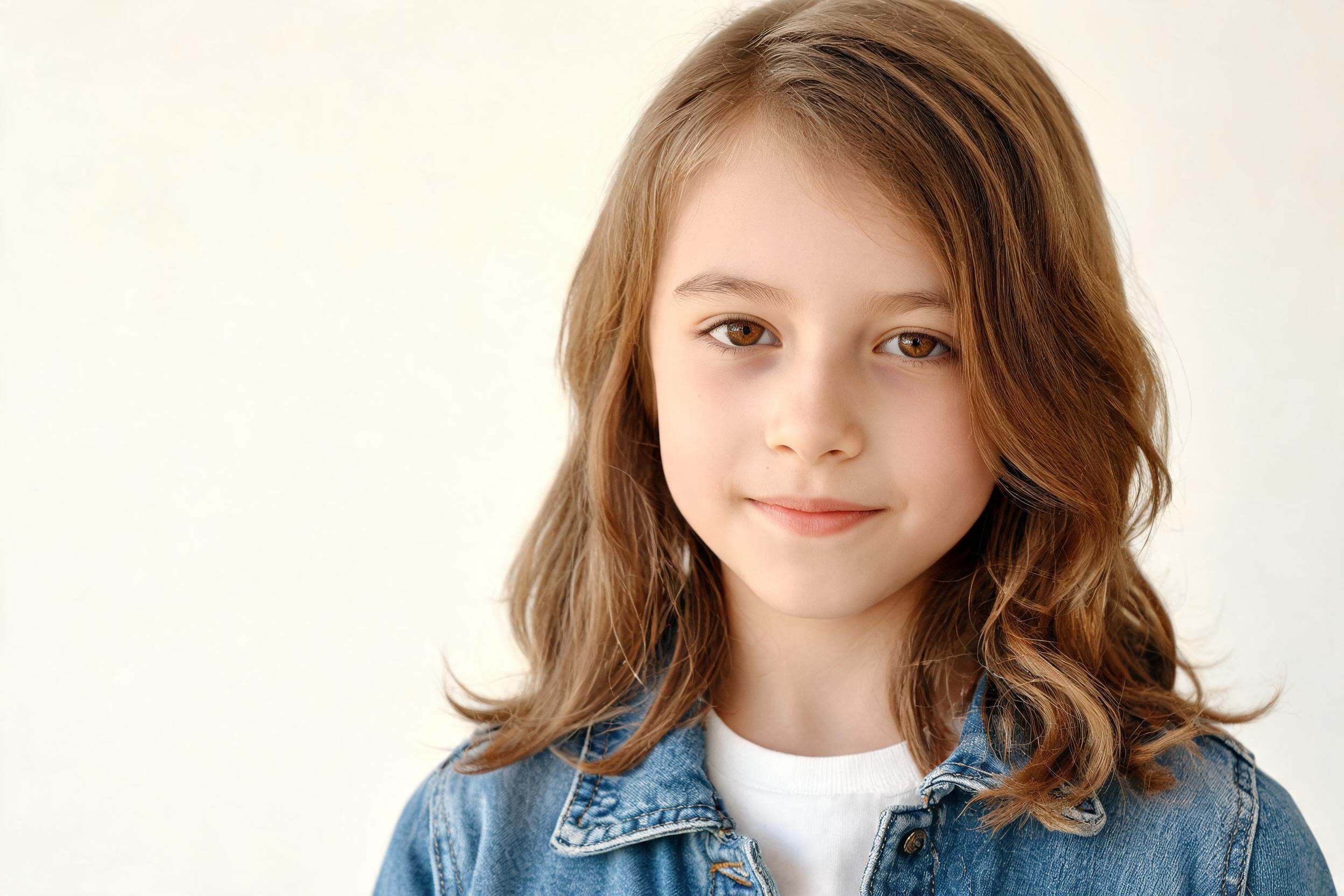
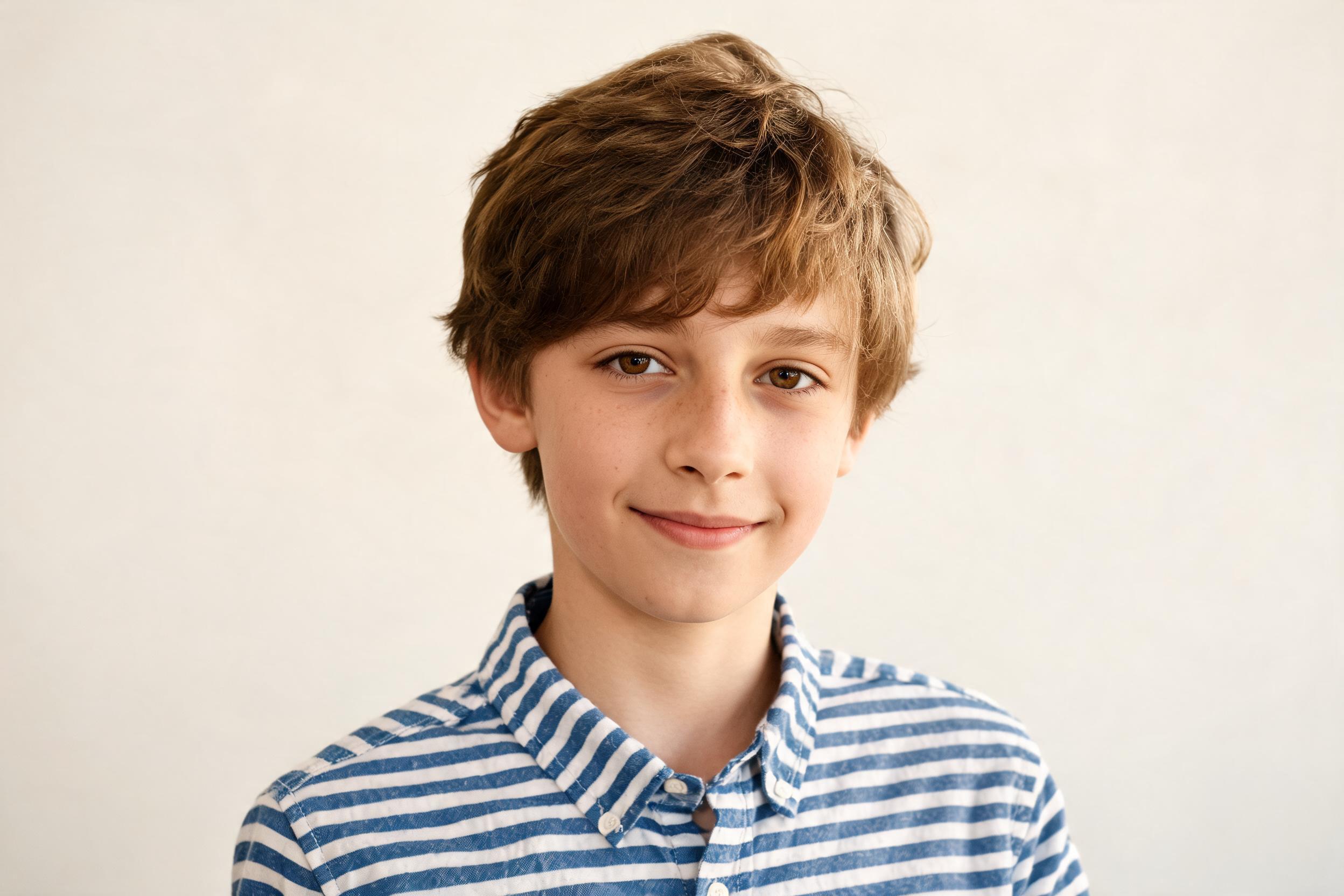
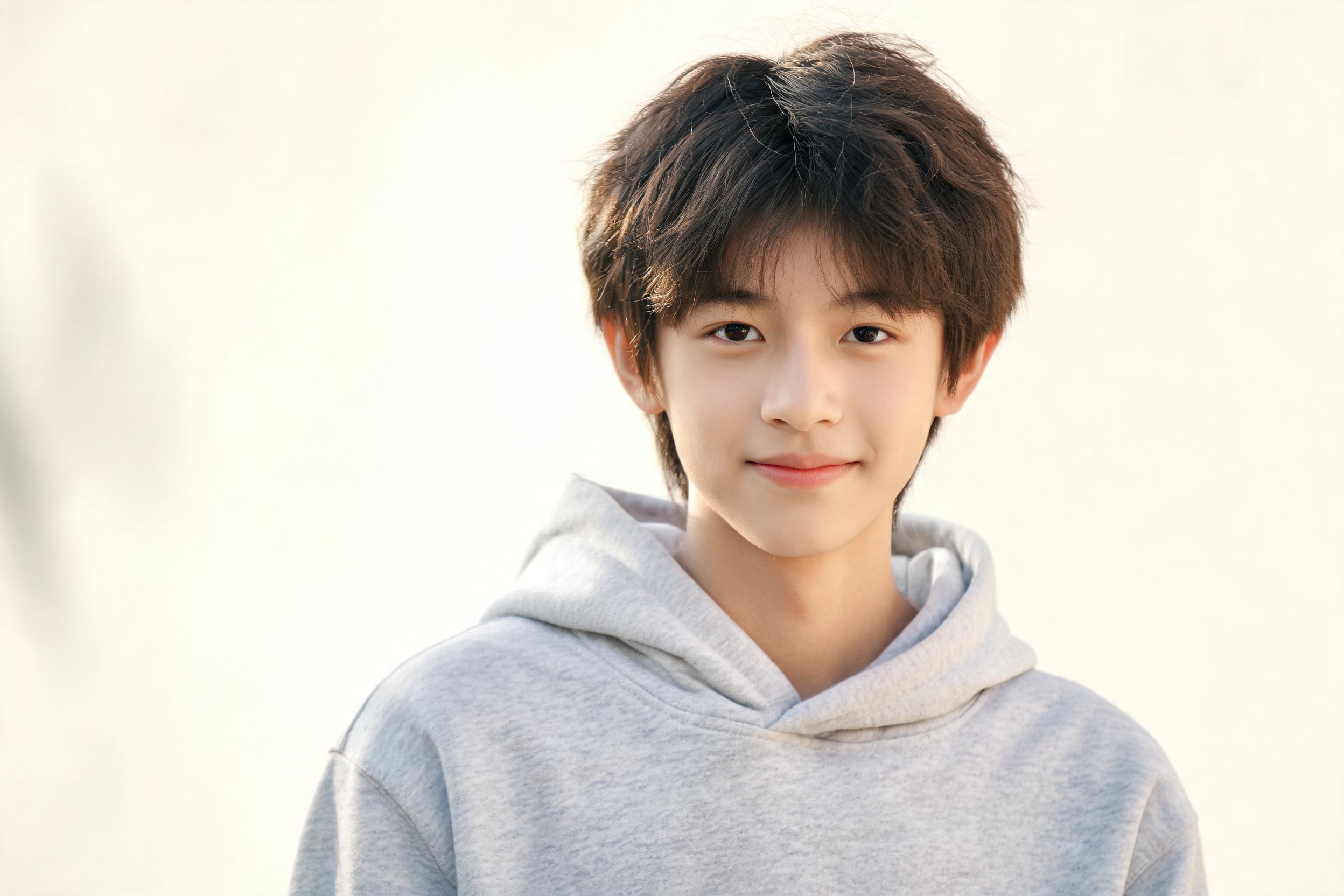
Baby face generator from parent photos

AI Baby Generator From Parent Photos

Upload two clear solo portraits and use our future baby generator to create one baby or young-child preview inspired by both faces. Choose age, gender, and image ratio, then generate a downloadable 2K PNG without writing a prompt.

Two parent photosBaby or ChildGirl or Boy2K PNG
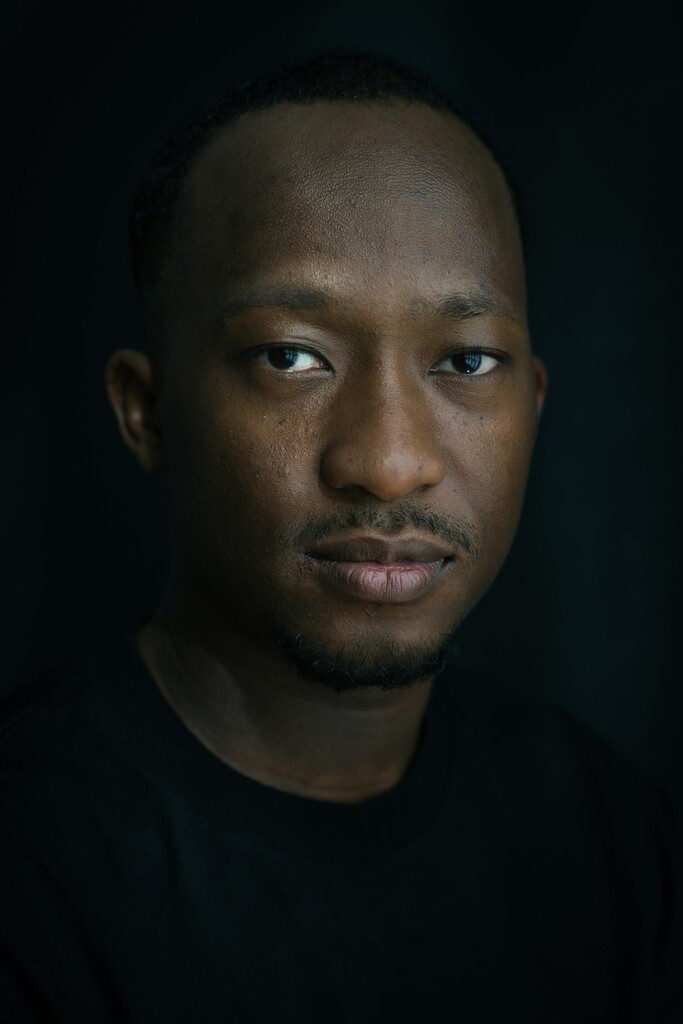
Parent A portrait for AI baby generator preview
Parent A
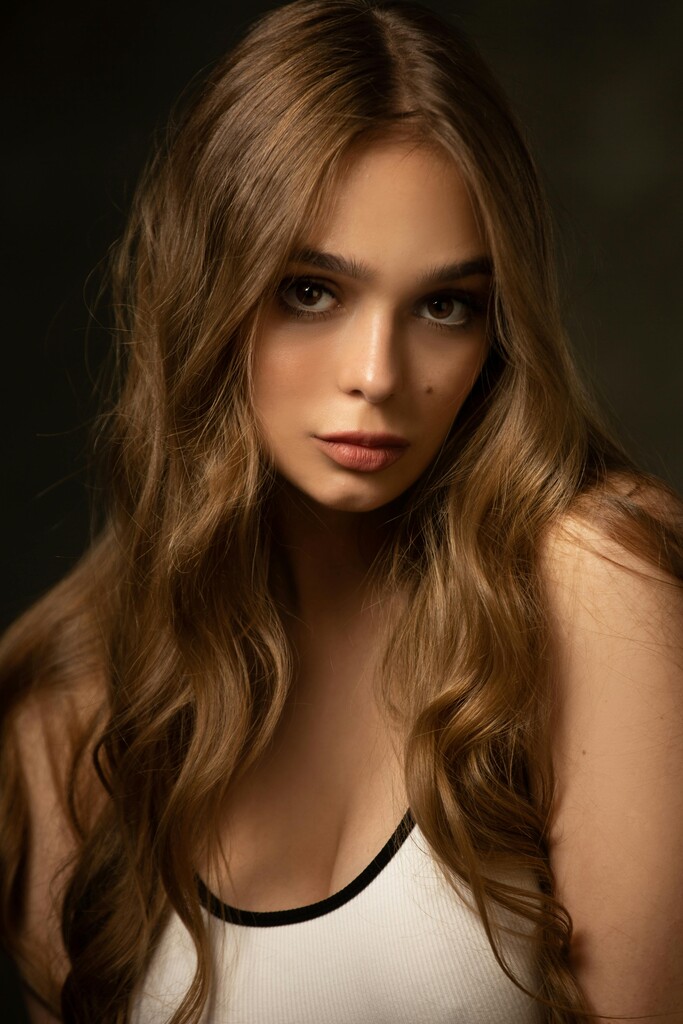
Parent B portrait for AI baby generator preview
Parent B
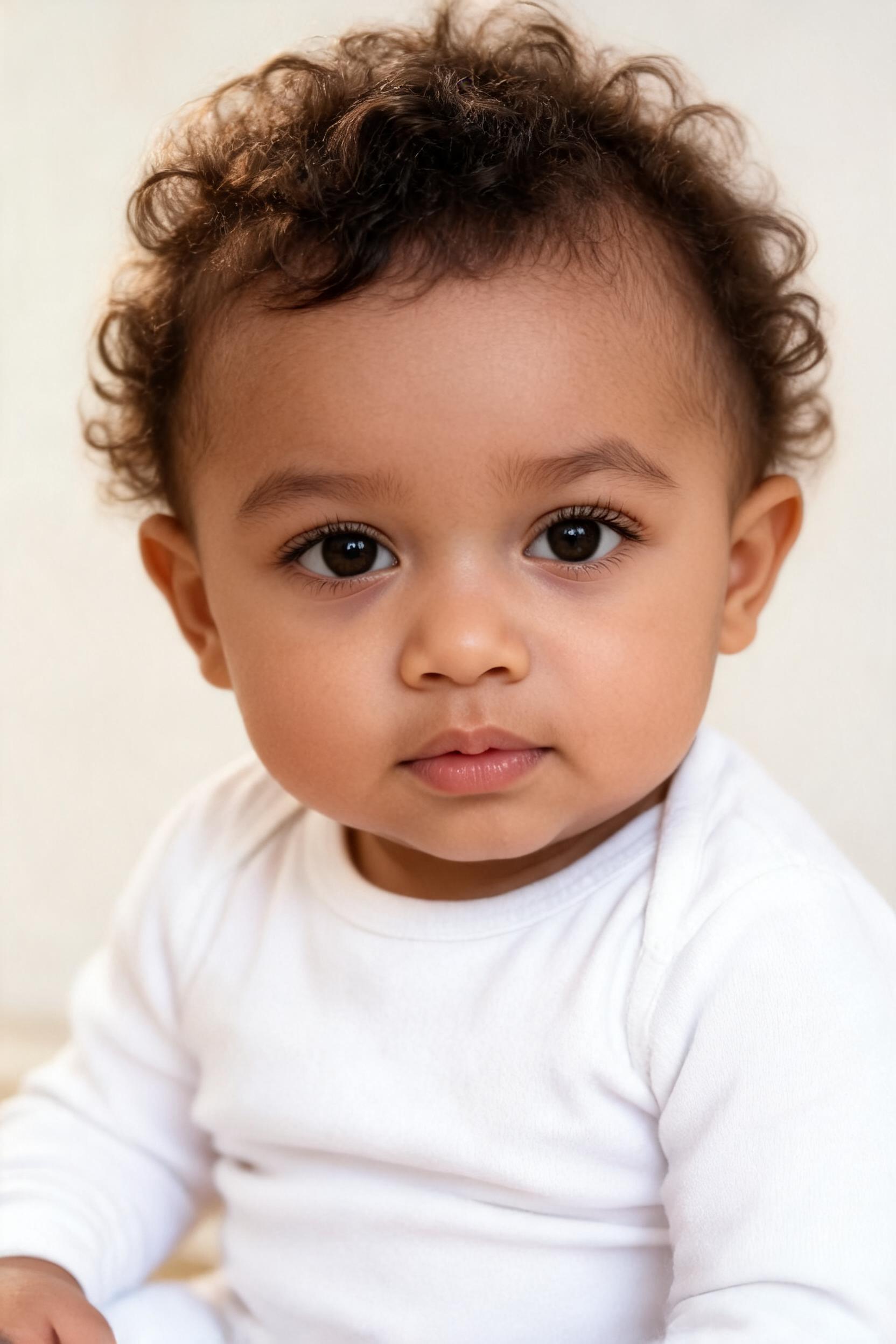
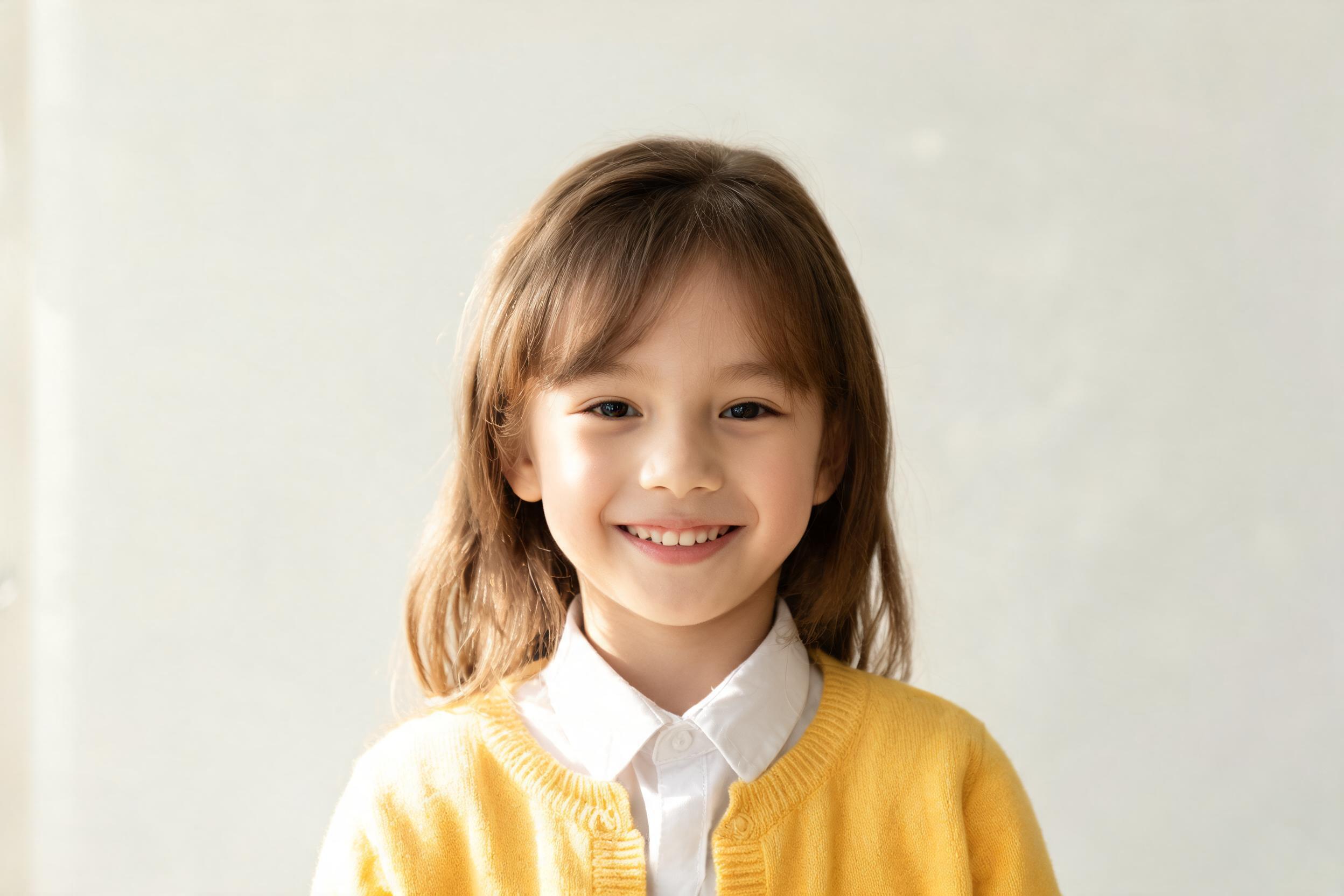
Generated baby preview from two parent photos

Future baby preview

baby face generator from two photos

Create

Create a Baby Face Preview From Parent Photos

This AI baby generator from parents uses two separate portraits as visual references. Add one clear face for each parent, choose Baby or Child, select Girl or Boy and an image ratio, then create one 2K PNG result to download or compare with another purposeful variation.

Step 1

Upload two photos

Upload two clear solo portraits, one person per image. Use recent images with visible faces so the AI can preserve likeness.

Step 2

Choose baby settings

Choose the baby age stage, gender, and photo ratio.

The detector checks for one clear face in each parent photo before generation starts.

How to Use an AI Baby Generator From Parent Photos

A baby face generator works best with two clear adult portraits and a few deliberate choices. Prepare the photos, choose the available age, gender, and format settings, then let the future baby generator create one image for you to review and download.

1

Prepare Two Parent Portraits

Choose one recent solo portrait for each parent. The baby face generator needs one visible face in each image, with both eyes, the nose, mouth, forehead, and chin easy to inspect. Avoid group shots, strong side profiles, sunglasses, masks, heavy filters, and hair or hands covering important facial details.

One clear solo face per photo
JPG, PNG, or WEBP
Under 20MB
Use a regular, appropriate portrait photo
2

Choose Age and Gender

Select Baby for an infant-style portrait or Child for a young-child result. Then choose Girl or Boy and pick a square, portrait, or landscape format. These guided controls give the AI baby generator its creative direction, so you do not need to write or edit a prompt.

Age
BabyChild
Gender
GirlBoy
Ratio
1:12:33:2
3

Generate, Review, and Download

Sign in, check that five credits are available, and start the generation. Review the finished image as one creative interpretation of both portraits, then download the PNG. To compare another future baby generator result, change one setting at a time so the difference is easier to understand.

Previewready
AI

Details

What Shapes an AI Baby Preview?

The result is a newly generated portrait based on visible details in both parent photos and the controls you select. Understanding what an AI baby generator can and cannot infer makes the preview easier to enjoy without treating it as a scientific forecast.

A new portrait, not a face overlay

An AI baby generator creates a new baby or young-child portrait from two adult visual references. It does not place one face over another or copy the source pixels into a simple morph. Clothing, background, pose, and expression can therefore differ from both uploaded photos.

Visible cues from both parents

The baby face generator can draw from details that are clear in the portraits, including broad face shape, eye shape, coloring, hair, and expression. It does not guarantee an equal 50/50 blend or promise that a particular feature will come from a specific parent.

A future baby generator for curiosity

A future baby generator gives a playful visual answer to a question many couples ask. The portrait can feel familiar because it references both photos, but it cannot calculate inheritance, identify genetic traits, or determine how a real future child will look.

Resemblance can change between results

One generation may emphasize the face shape from one parent and the eyes or coloring from the other. Another result can create a different balance with the same uploads. That variation is expected because the tool generates a new image rather than averaging two faces pixel by pixel.

Age and gender are creative directions

Baby or Child changes the apparent age, while Girl or Boy guides the presentation. In this AI baby generator, those settings shape the creative result; they do not determine biological traits, identity, or the real appearance of a future child.

Clear source photos matter

A future baby generator has more useful visual references when both faces are sharp, naturally lit, and photographed at similar angles. If one parent seems underrepresented, replace that source with a clearer front-facing portrait before changing every control at once.

Why Choose This AI Baby Generator?

The workflow combines the guidance people expect from a baby face generator with clear product terms: two required portraits, visible age and gender choices, one five-credit generation, a defined 2K PNG result, and credit restoration when a task is recorded as failed.

01

Two portraits guide one new image

The AI baby generator uses both parent portraits as visual references for a newly created baby or child image. It may draw from visible cues such as face shape, eye shape, coloring, hair, and expression, but it does not simply overlap, average, or swap the two adult faces.

Future Baby Generator Ideas

Use the AI baby generator to explore one clear question at a time: an infant portrait, a young-child interpretation, or Girl and Boy directions using the same parent photos. Purposeful changes make the resulting images more meaningful to compare.

Baby

Turn “What Will Our Baby Look Like?” Into a Portrait

Use one portrait from each parent to turn a familiar couple question into a visual keepsake. The baby face generator offers one imaginative answer that you can save and discuss together while keeping the result in perspective: it is a creative image, not a prediction of a real child.

Create baby preview
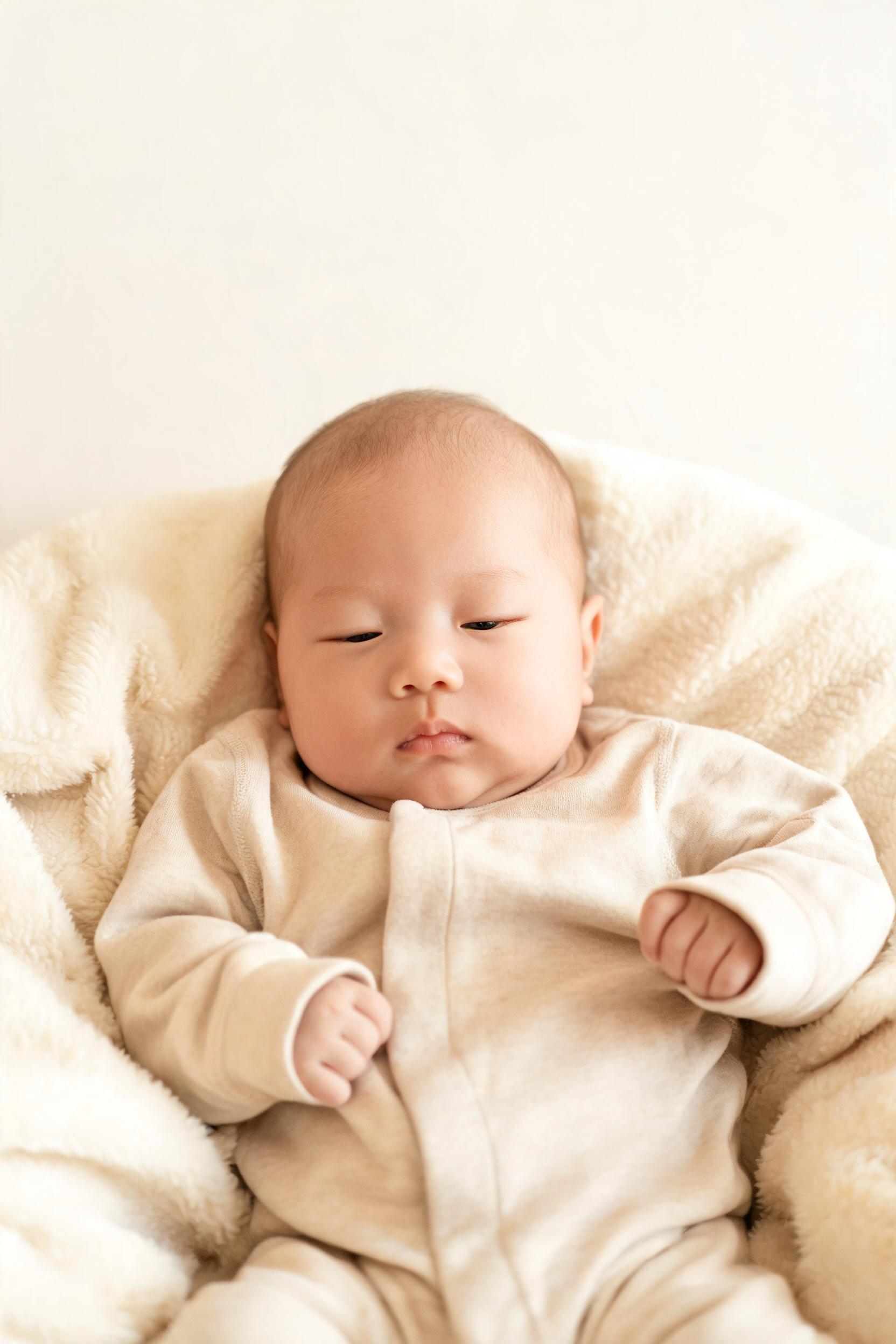
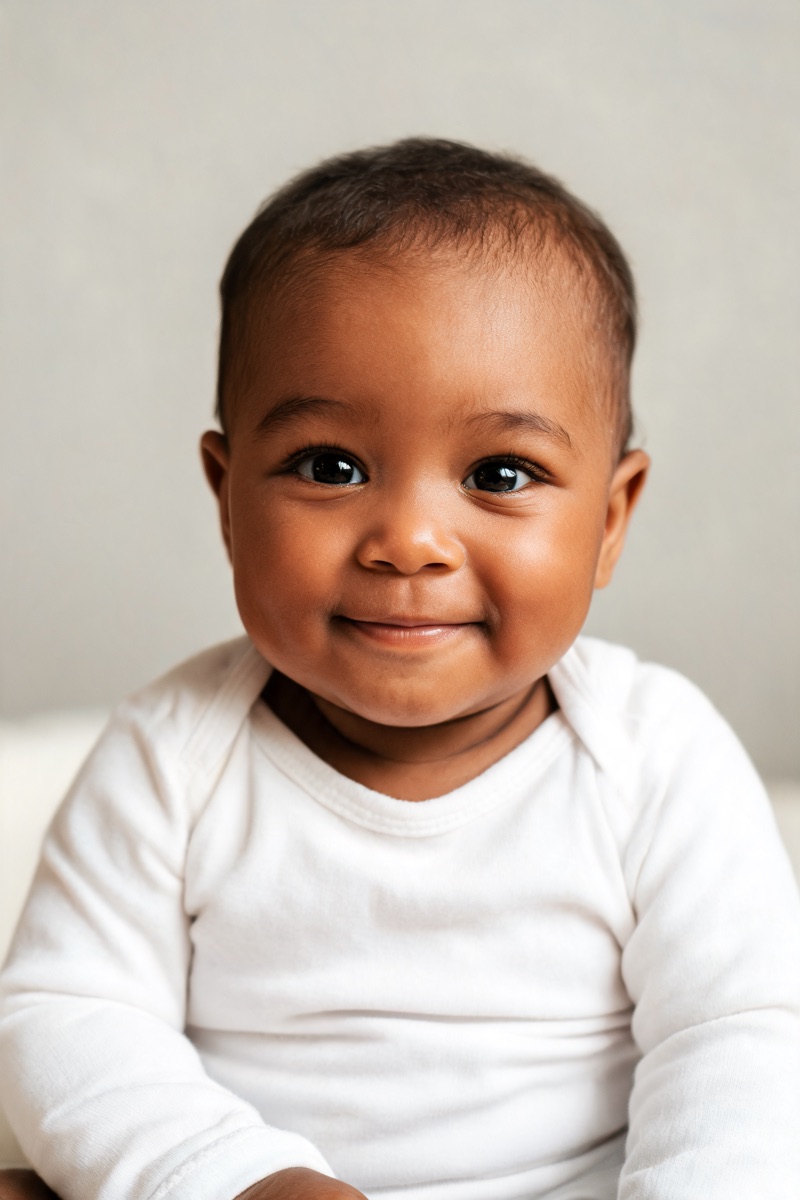
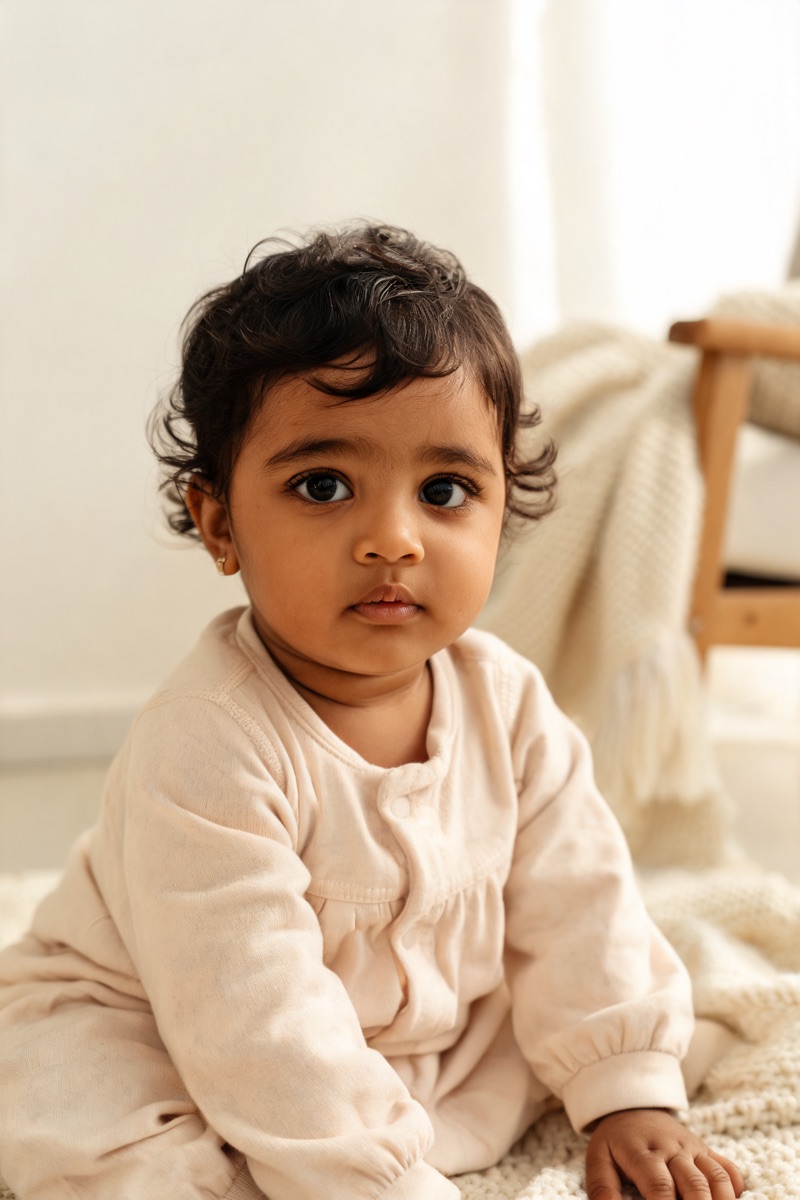
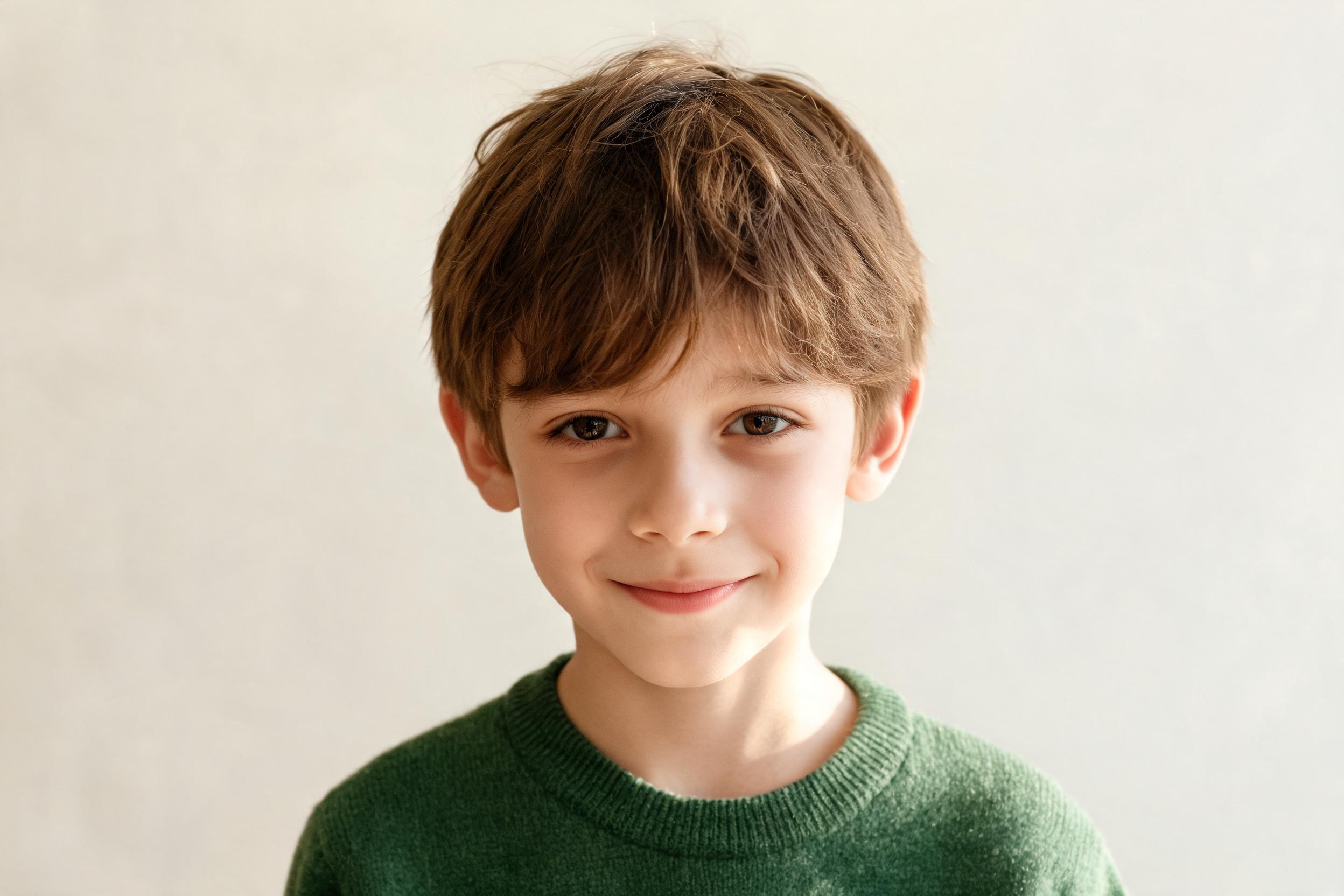
Cute baby generator infant preview

Child

Compare Baby and Young-Child Previews

Keep the same two parent photos and create one Baby result and one Child result. Comparing two future baby generator images can show how the selected age direction changes facial proportions, hair, expression, and framing. Change only the age first so the comparison remains easy to read.

Create baby preview
Realistic child generator preview

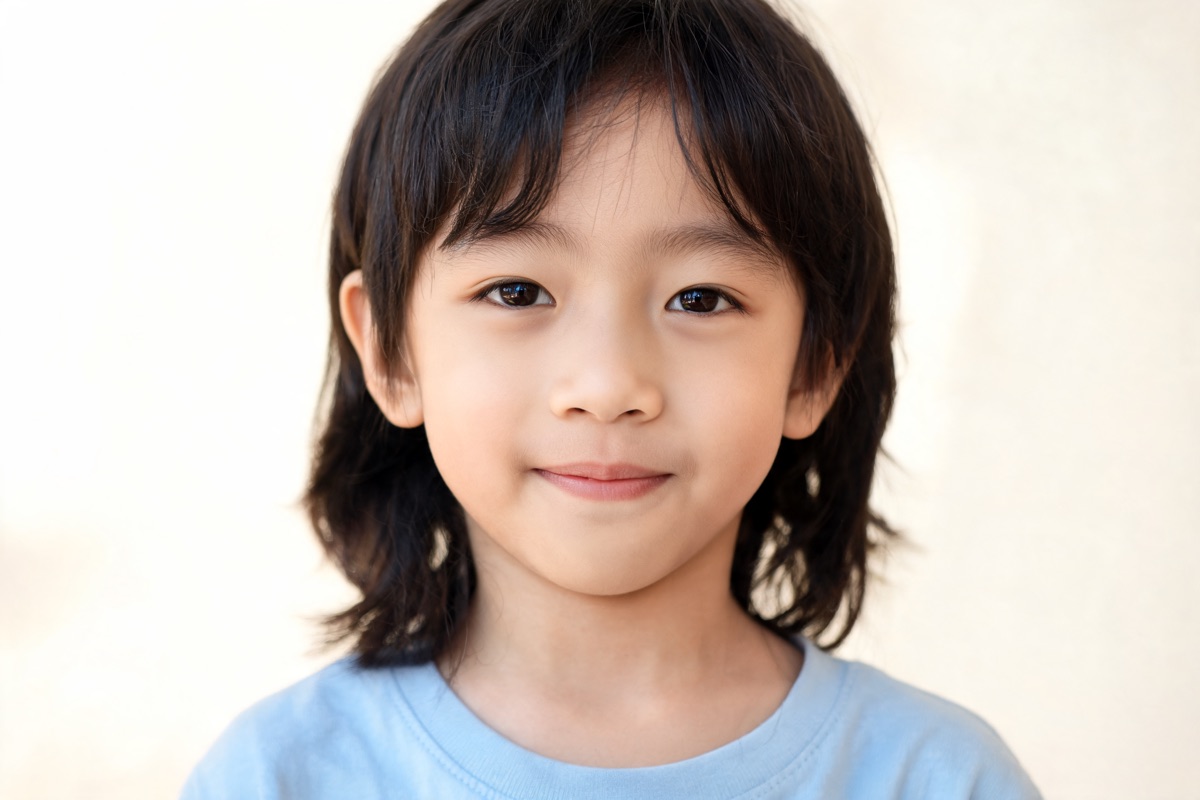
Girl

Explore a Baby Girl Portrait

Select Girl with either Baby or Child to create a feminine portrait direction from the same parent photos. The AI baby generator may interpret visible family cues differently in every generation, so compare the result for resemblance and overall mood rather than expecting one exact inherited feature.

Create baby preview
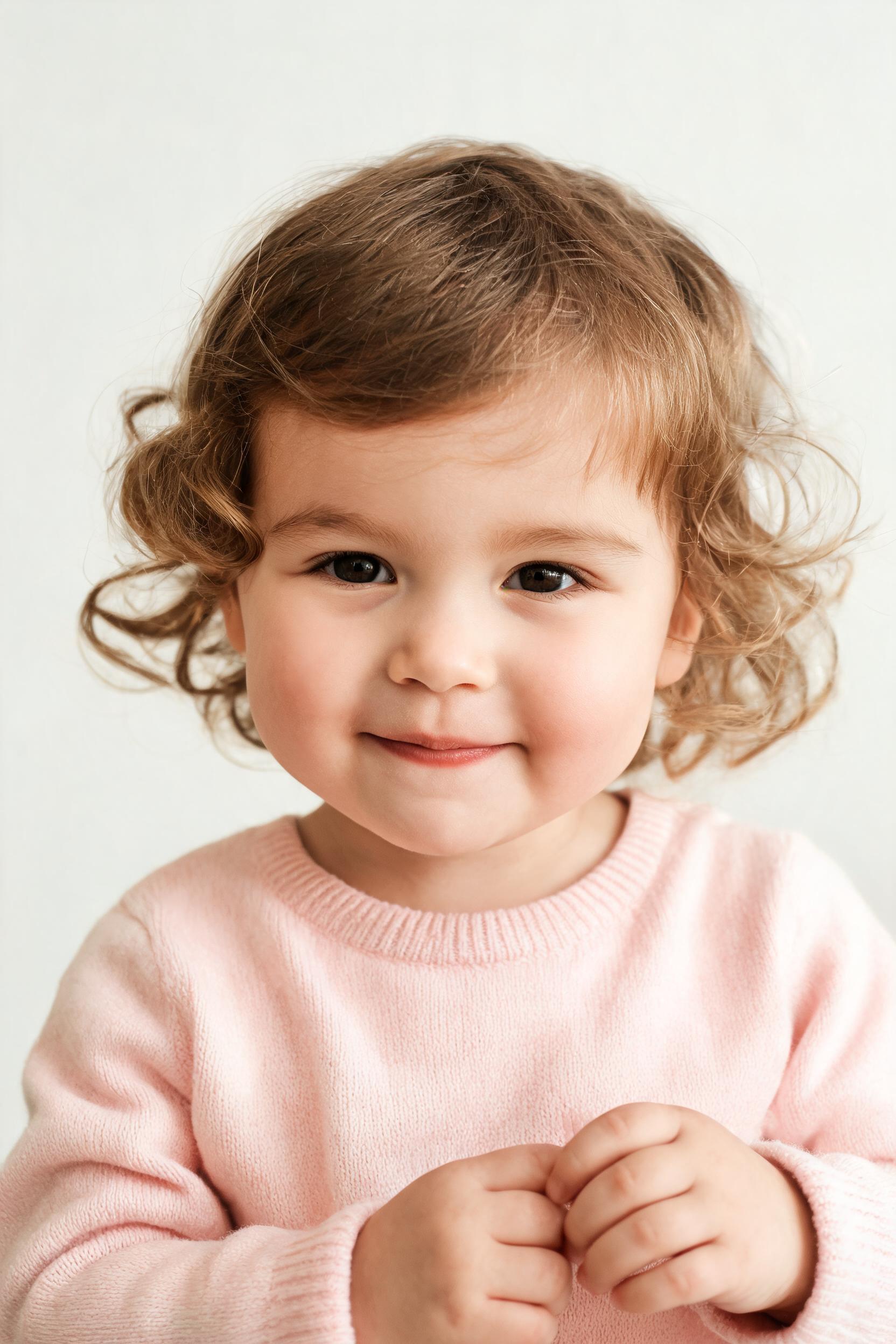
AI girl generator preview

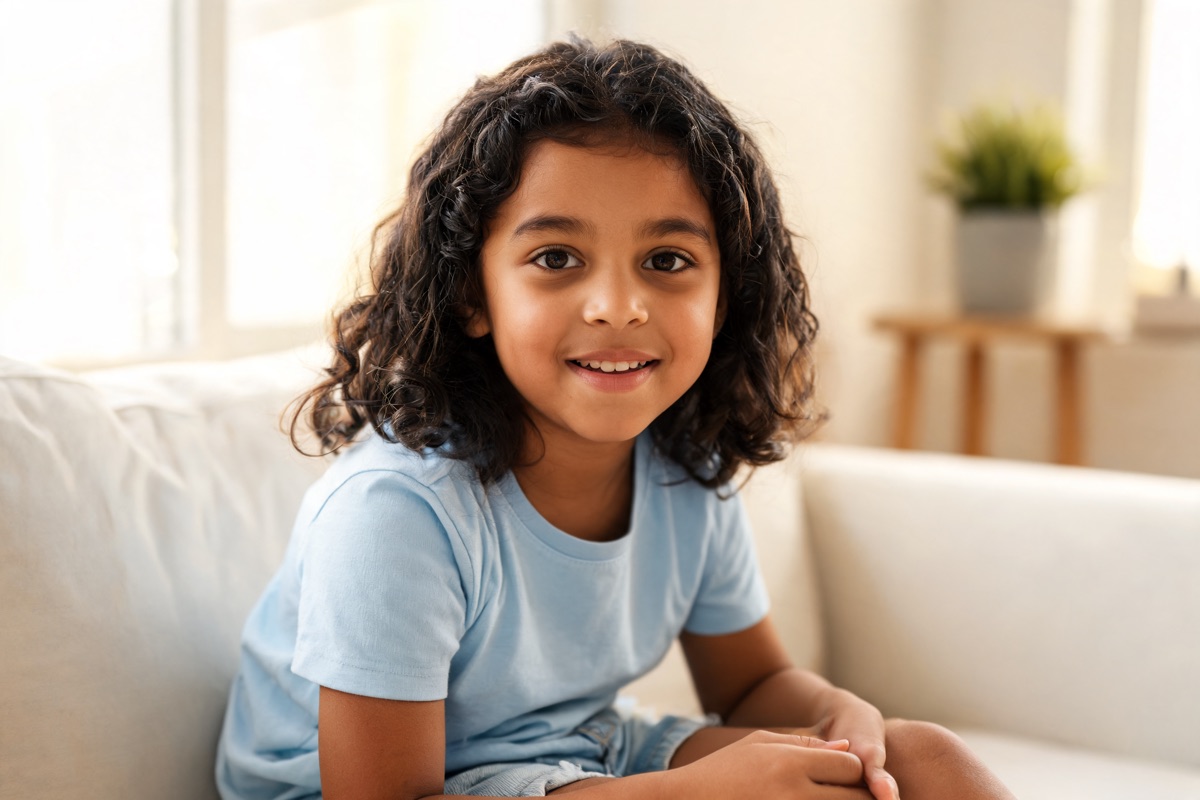
Boy

Explore a Baby Boy Portrait

Select Boy to create a baby-boy or young-boy interpretation while keeping both parent portraits as references. Use the baby face generator again with a different age or ratio when you want a deliberate comparison, but remember that each request creates a new interpretation rather than correcting the previous image.

Create baby preview
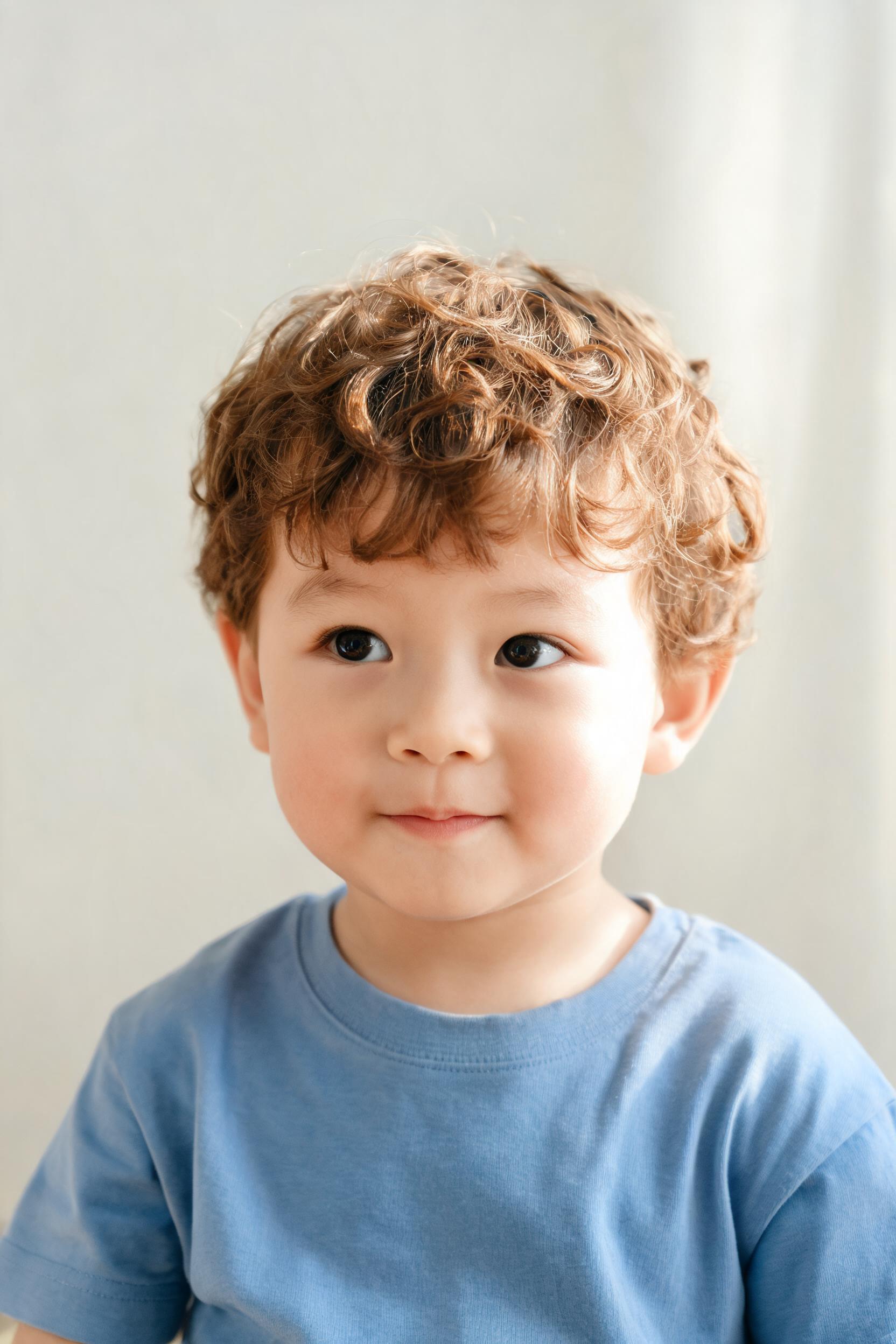
AI boy generator preview

AI Baby Generator FAQ

How accurate is an AI baby generator?

An AI baby generator creates a visual interpretation, not a genetic prediction. The baby face generator may reflect recognizable cues that are visible in both portraits, but it cannot calculate inherited traits, guarantee resemblance, or show how a real child will look. Use the result for curiosity, conversation, and creative comparison rather than medical or genetic conclusions.

Can it answer “what will my baby look like?”

The future baby generator can create one possible baby or young-child portrait from two parent photos. It offers an imaginative answer to “what will my baby look like?”, but every result is only one creative possibility. A real child's appearance depends on genetics and development that an image generator cannot predict.

Can I use the baby face generator with one parent photo?

No. This baby face generator requires two separate parent portraits before generation can start. Use one clear solo photo for each parent. Uploading the same image twice does not provide two distinct visual references and is not a substitute for the intended baby generator from parents workflow.

Do I need an account and credits?

Yes. Sign in before using the AI baby generator. Each request requires five available credits and returns one image. If the balance is too low, review the credit packs or subscription options shown in Pricing. Available signup credits vary, so this page does not promise that every new account can generate without purchasing credits.

Do I need to write an AI prompt?

No. The baby face generator uses the two parent portraits together with the age, gender, and ratio controls. There is no blank prompt field to complete. Choose the visible options, review the setup, and generate. Clear source photos provide more useful direction than a long written description would in this guided workflow.

Can the future baby generator create an older child or adult?

The available age choices are Baby and Child. The future baby generator does not provide a full age-progression timeline, teenager setting, or adult prediction. If you want to compare the available stages, keep the same parent photos and create one Baby result and one Child result with the other settings unchanged.